
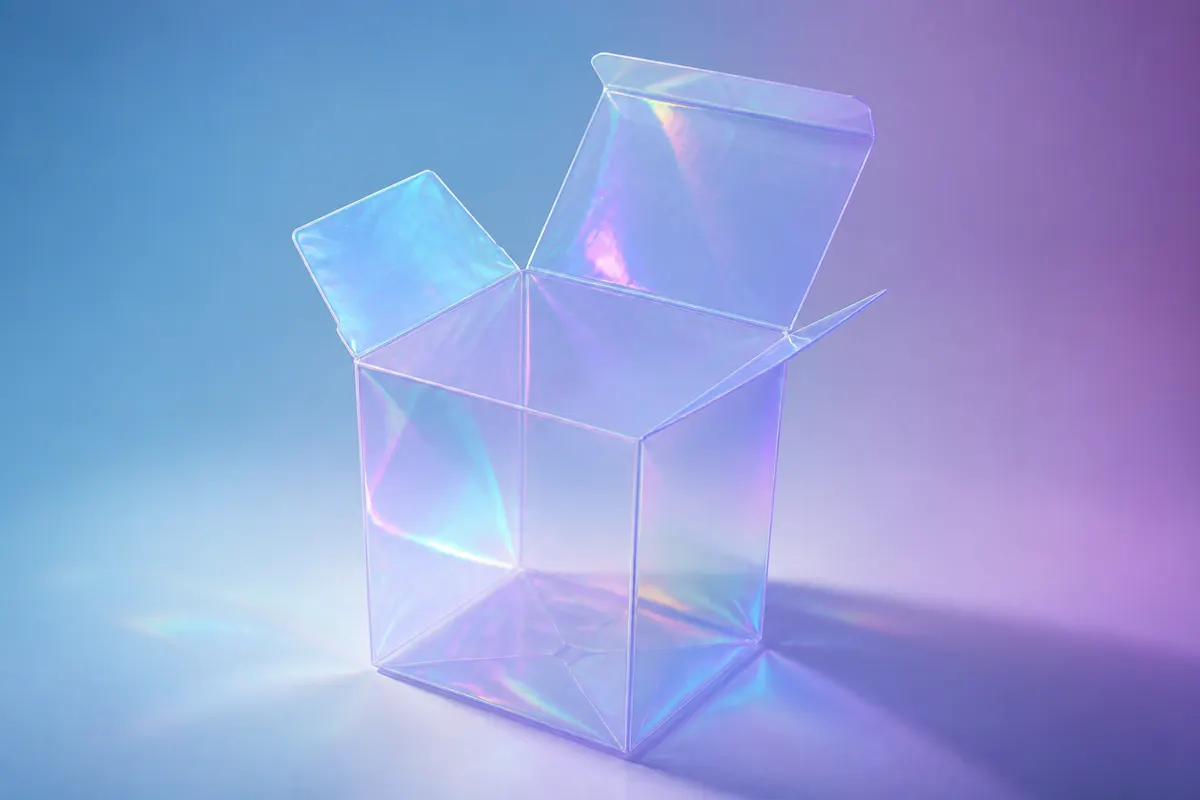
3D box simulation is the practice of modeling a carton or mailer in software so stakeholders can interact with it—rotate, zoom, open flaps—instead of relying on flat dieline PDFs or expensive physical samples. For early-stage packaging work, simulation often saves days of back-and-forth.
What 3D box simulation solves
- Scale mistakes: a logo that looked fine flat but dominates the front panel in 3D
- Opening conflicts: a lid motion that obscures mandatory regulatory copy
- Material perception: kraft vs. gloss white reads differently under studio lighting
- Camera angles: choosing hero shots for e-commerce before a photo shoot
Simulation vs. static mockups
Photoshop composites and template mockups are fast but fixed. A packaging simulator lets you change width, height, depth, and artwork in one session. When a brand asks for a taller mailer or a split-top opening, you adjust parameters instead of rebuilding layers.
Where simulation stops
Simulation is not a substitute for press proofs or structural validation. It will not check bleed, trap, or knife strength. Treat 3D box simulation as a communication layer between design and production—not the final manufacturing file.
Run a free simulation in 3D Box Studio
Open 3D Box Studio, enter your carton dimensions, pick a material preset, upload face artwork, and use the opening controls to simulate lid and flap behavior. Export a PNG for your deck or record a short viewport video for Slack or email reviews.