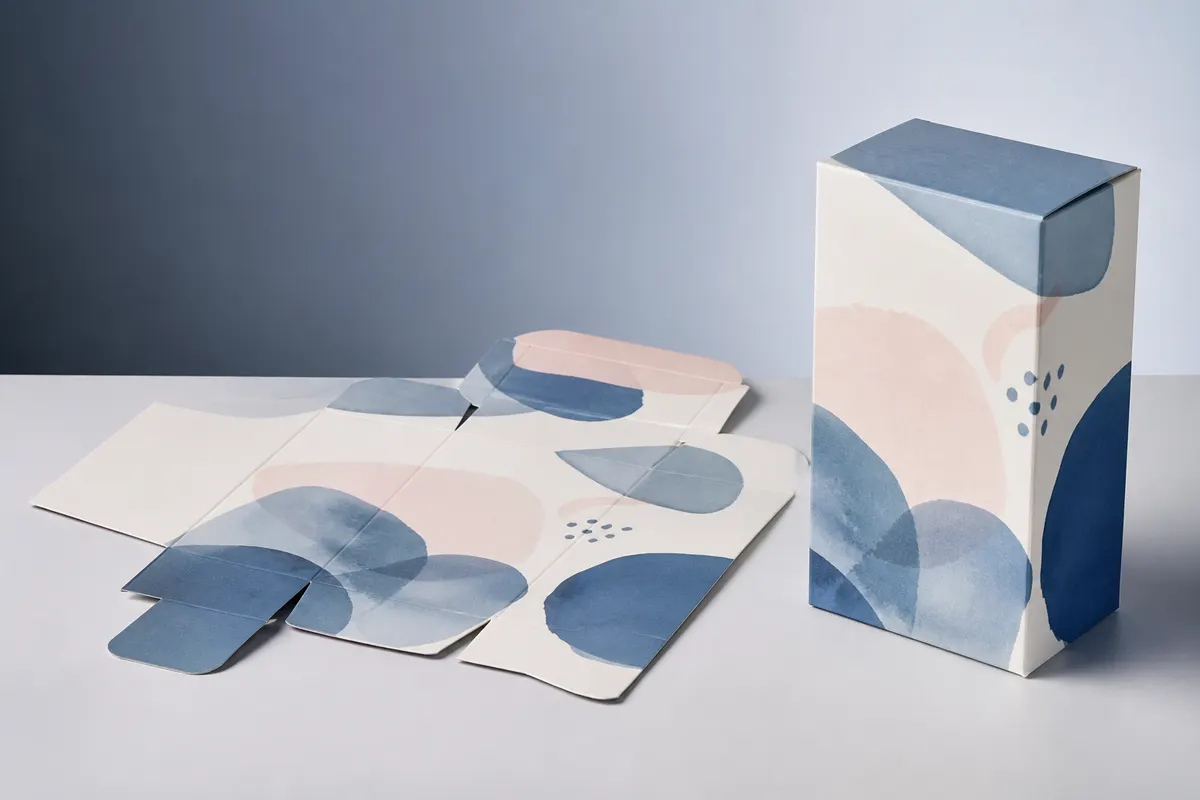
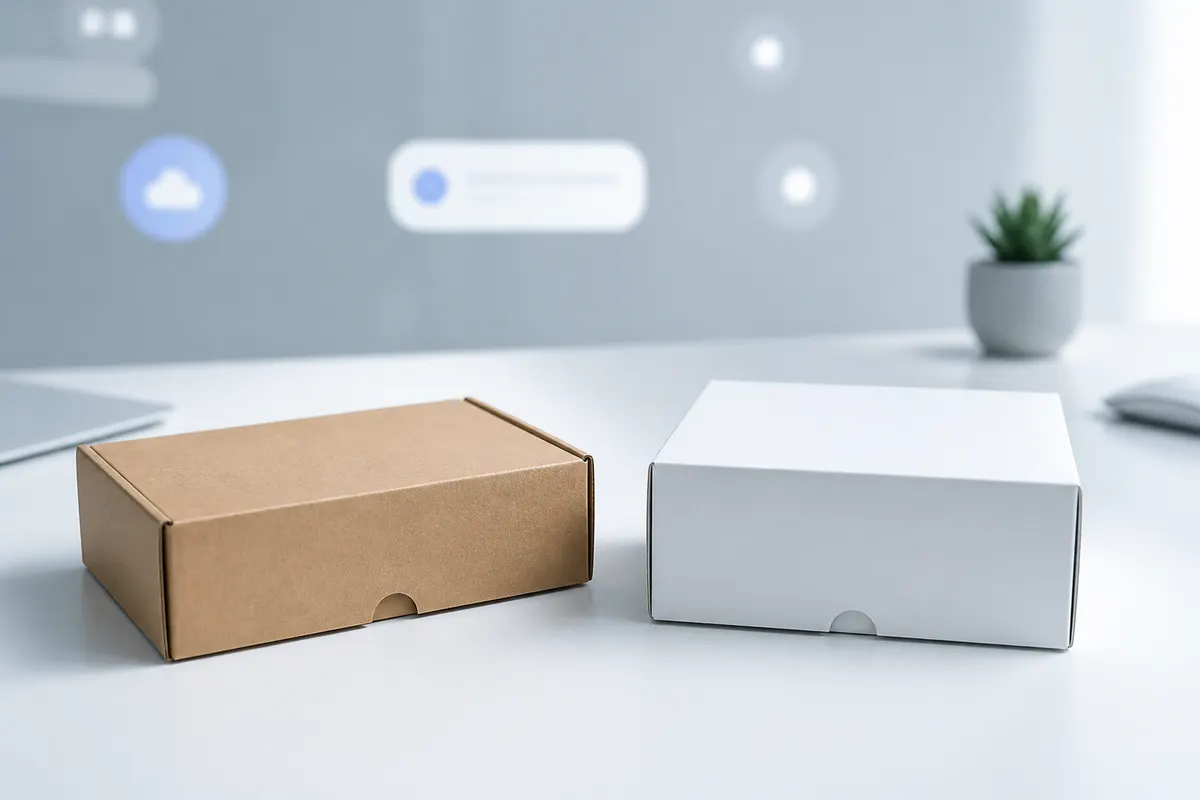
A useful free 3D box maker should do more than wrap an image around a cube. It should let you choose a packaging structure, enter the finished size, place artwork on the flat layout, and inspect that same design on the assembled package. 3D Box Studio is built around that workflow in the browser.
What you can do in the browser
- Choose a supported packaging structure instead of a generic box shape
- Set finished width, height, depth, and units
- Work on the flat layout (dieline) with artwork layers
- Upload, drag, crop, resize, rotate, and reorder graphics
- Preview the same artwork in interactive 3D
- Open and close supported structures
- Save projects, reopen them later, and share preview links
- Export PNG previews for decks, approvals, and planning
Why dimensions matter in a 3D box mockup
A fixed mockup can make almost any artwork look plausible because the proportions never change. A dimension-aware box makes the design answer a harder question: what happens when the front panel is actually 120 × 80 mm and the side panel is only 35 mm deep? That is where logo scale, hierarchy, edge transitions, and panel balance become easier to judge.
Design on the dieline, not on a fake perspective layer
The 2D Design workspace is the practical center of the workflow. Place artwork on the flat package, use layers and transforms, and let the 3D view handle perspective. This avoids rebuilding a Photoshop-style mockup after every artwork revision.
Use 3D for review, not just a hero image
Rotate and zoom the box, switch camera angles, check adjacent panels, and inspect opening behavior. The point is to catch visual problems earlier—before a physical sample or final production proof.
Where a free box maker stops
A practical 2-minute workflow
- Open the Studio and choose a supported box structure.
- Enter the finished dimensions and units.
- Move to Design and add artwork to the flat layout.
- Check the result in 3D from more than one camera angle.
- Adjust artwork or dimensions if the balance feels wrong.
- Save the project, share a preview link, or export a PNG.
Can I use custom dimensions in a free 3D box maker?
Yes. In 3D Box Studio, supported structures can be resized with finished dimensions and selectable units.
Can I design directly on a dieline?
Yes. The Design workspace uses the flat packaging layout for artwork placement, layers, crop, resize, rotation, and panel-aware editing.
Can I export the mockup?
Yes. You can export a PNG preview and save or share the project for later review.
Is the generated dieline production-ready?
Not universally. Use the dieline for design and visualization, then validate final manufacturing geometry, bleed, tolerances, folds, and material requirements with your printer or structural packaging workflow.