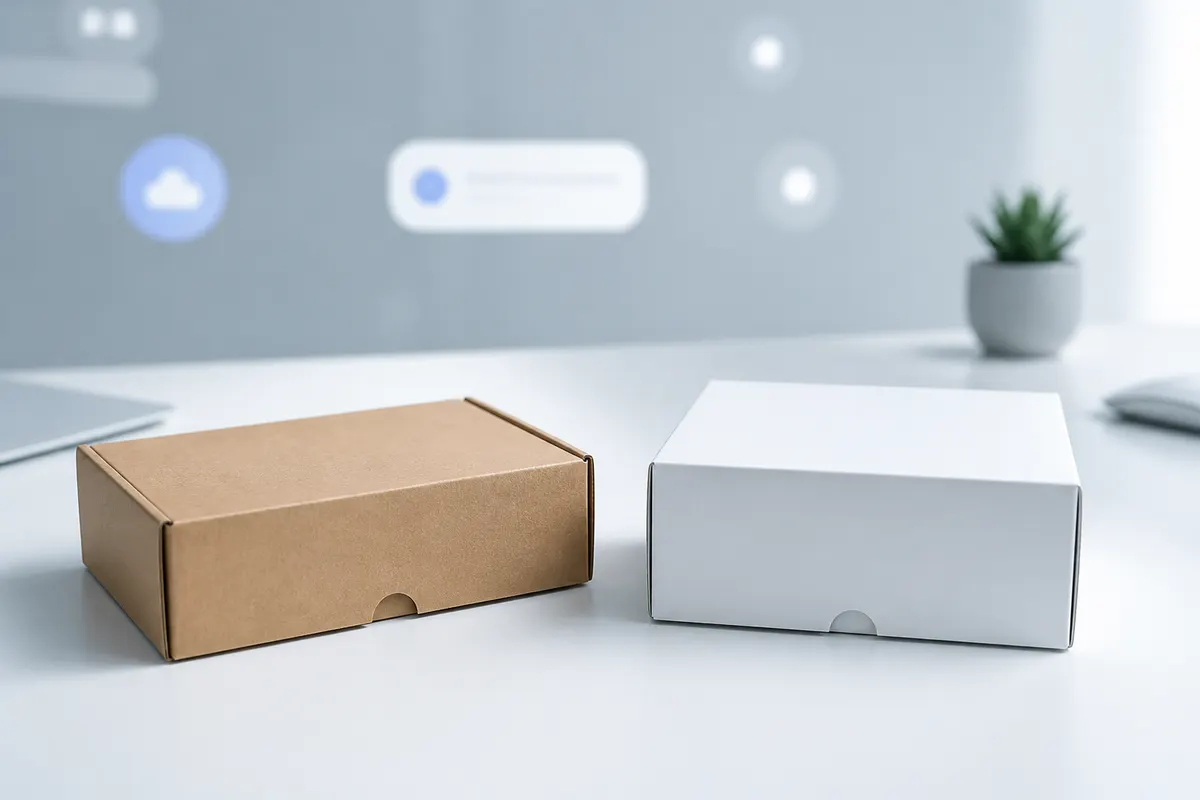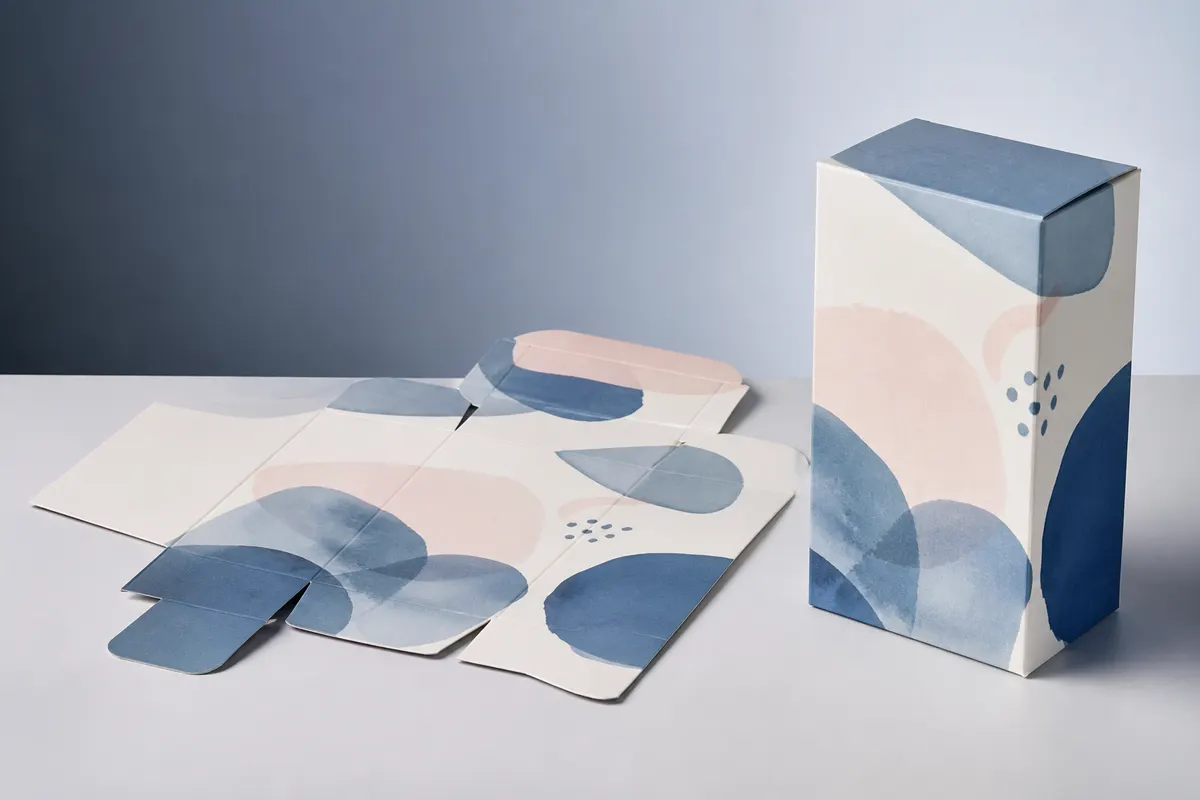
A 3D box generator with dimensions answers a different question from a fixed mockup template. Instead of asking 'what would my logo look like on this stock box?', it asks 'what does my actual 120 × 80 × 35 mm package look like with this artwork?'
Finished dimensions change more than the silhouette
When width, height, or depth changes, the usable panel area changes too. A logo that feels restrained on a wide front panel can become oversized on a narrow carton. Side-panel copy may wrap differently, edge transitions may become awkward, and an opening flap can occupy more visual attention than expected.
Dimensions should belong to the structure
A packaging tool should not resize every box with one generic rule. The structure needs to own its panel relationships, dieline logic, and opening behavior. That is why 3D Box Studio uses template-specific geometry rather than treating every package as the same cube.
From dimensions to dieline to 3D
- Choose a supported packaging structure.
- Enter the finished width, height, and depth.
- Use the resulting flat layout as the artwork canvas.
- Place and transform graphics against the real panels.
- Inspect the assembled package in 3D.
- Adjust dimensions or artwork and review again.
What dimensions do not solve
What dimensions does a 3D box generator use?
For packaging visualization, the most useful inputs are the finished width, height, and depth of the selected structure, plus the unit used for the design.
Why not just scale a mockup image?
Changing real box dimensions changes panel proportions, artwork scale, edge relationships, and the visual balance of the package. A fixed mockup cannot represent those changes accurately.
Can dimensions generate a dieline?
For supported structures, dimensions can drive the flat layout used in the Studio. Final production geometry should still be validated before manufacturing.