
Photo templates vs a real 3D box
A photo template looks great when your box matches its proportions. If your carton is taller, slimmer or deeper, the artwork stretches. 3D Box Studio builds the box to your size, so the proportions are always right.
Placeit is quick for lifestyle images: drop your artwork into a ready-made scene. When the box has to match a real size and a real dieline, 3D Box Studio builds it from your measurements so the mockup and the print file agree.
| Feature | 3D Box Studio | Placeit |
|---|---|---|
| Price | Free (account required) | Subscription; free tier with watermarks and limited templates |
| How mockups work | A 3D box built from your dimensions | Artwork placed into fixed photo templates |
| Custom size | Any width, height and depth | Set by the template |
| Dieline | Generated, with artwork placed panel by panel | Not offered |
| Angles | Any angle; orbit, open and fold in 3D | Fixed camera angle per template |
| Print output | 1:1 vector PDF dieline | Mockup images only |
| Best for | Packaging design, approvals and print prep | Fast lifestyle and marketing images |
Placeit details from public sources as of October 2026; check placeit.net for current plans and pricing.
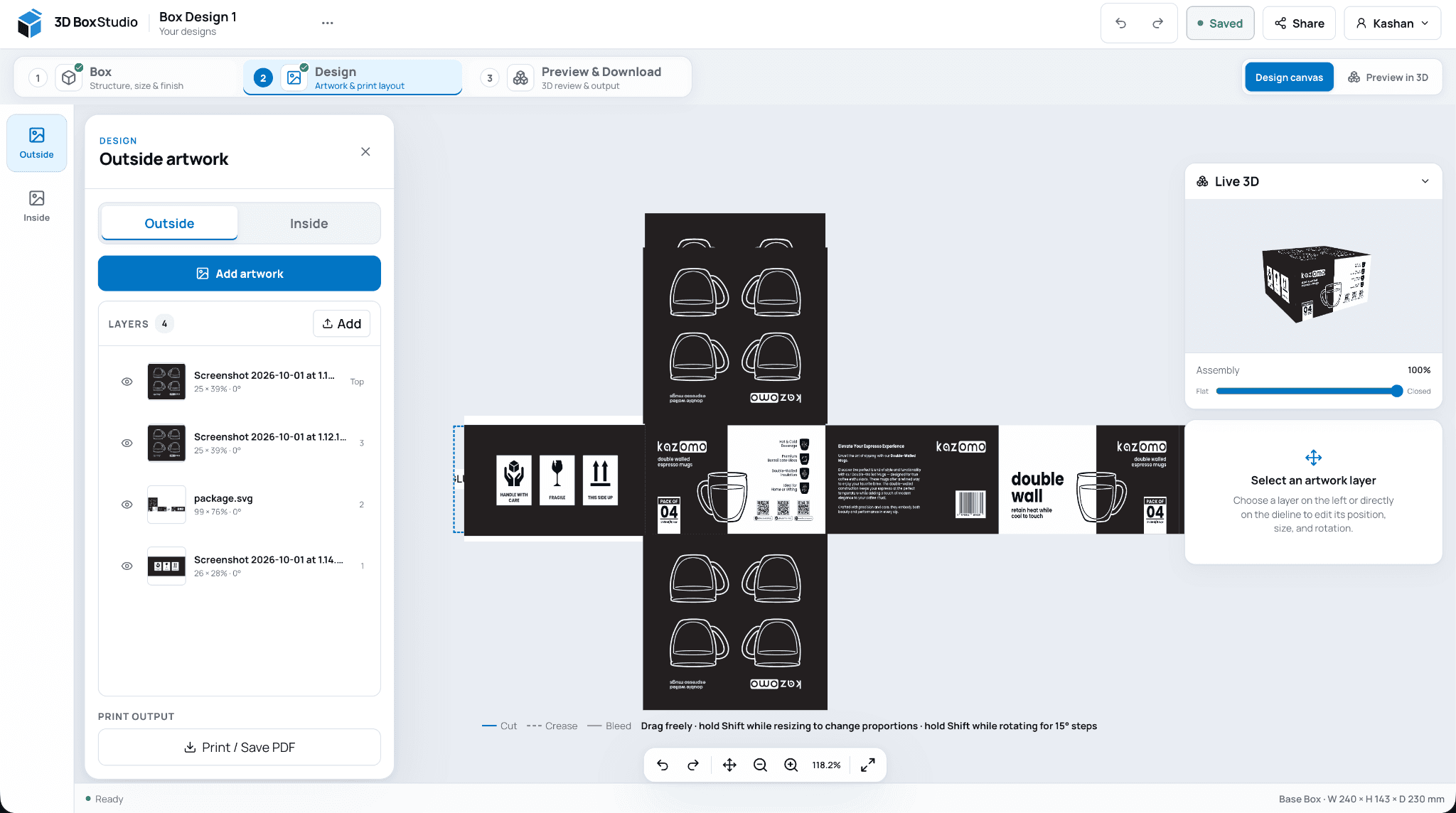
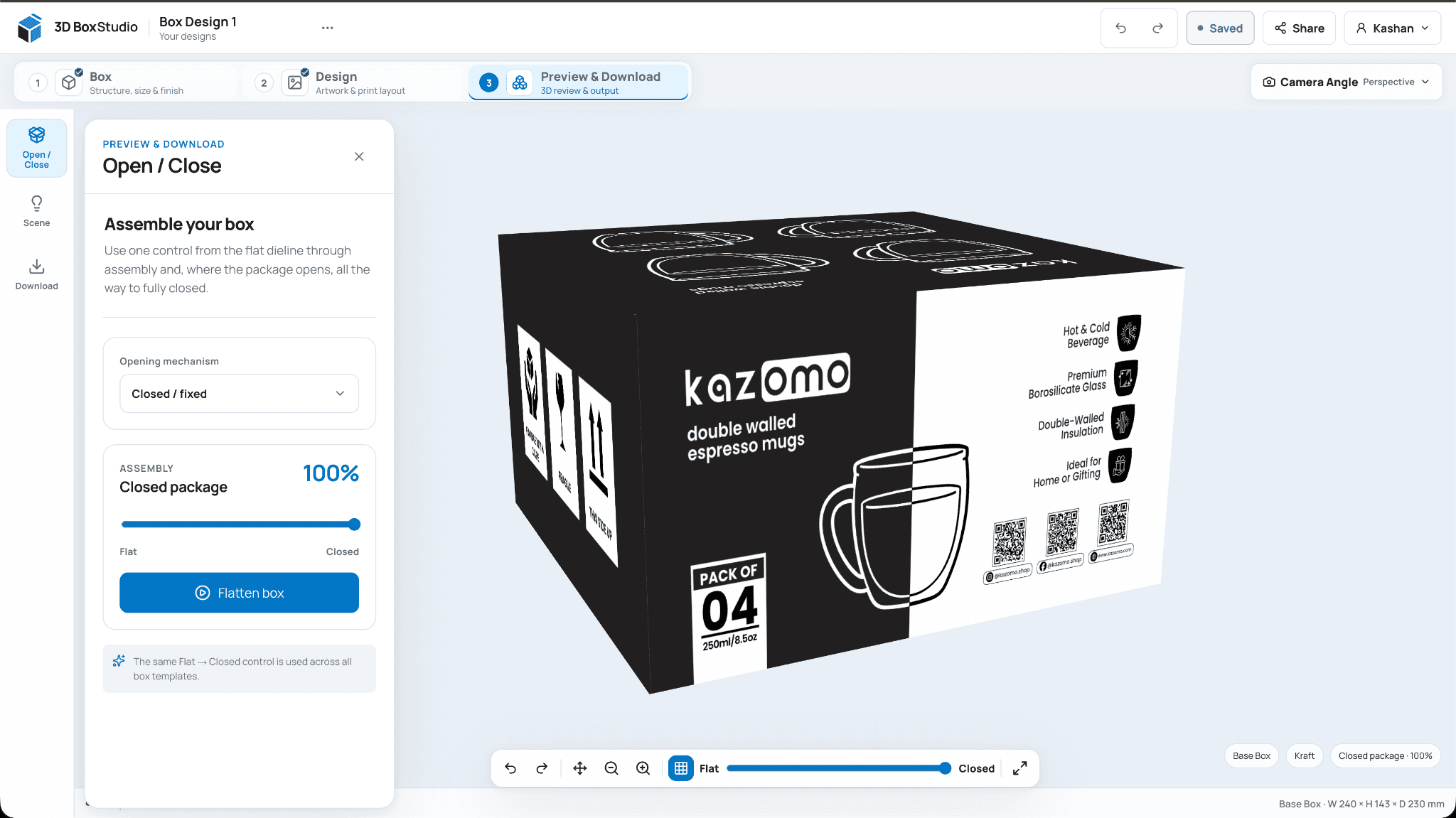
These are real screens from 3D Box Studio, not a concept dashboard. Set up the box, design on the dieline, then review it in 3D and export.
Start free Free account required. Sign up with Google or email.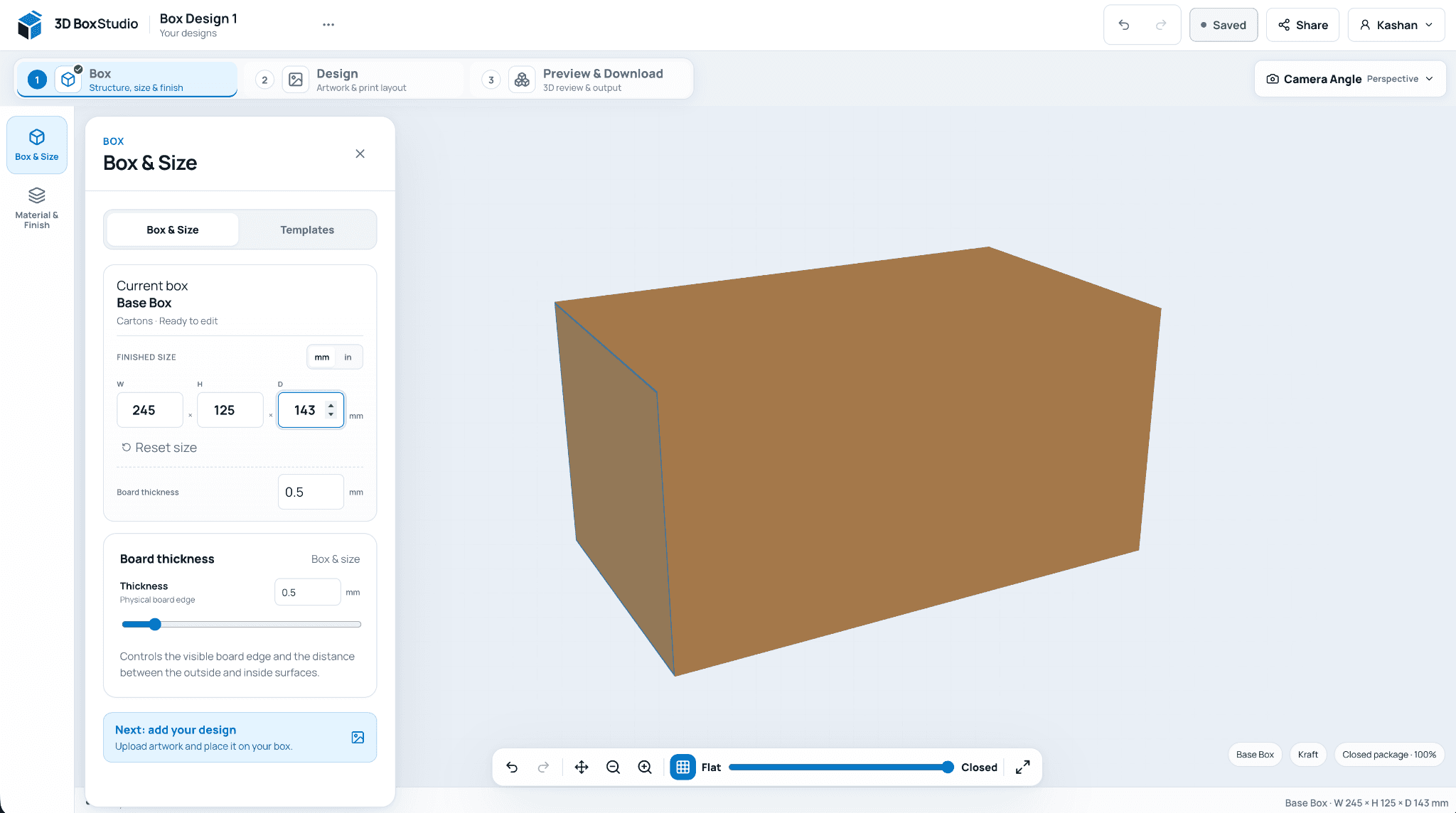
Pick a template, enter finished dimensions in mm or inches, and choose the board material.
A photo template looks great when your box matches its proportions. If your carton is taller, slimmer or deeper, the artwork stretches. 3D Box Studio builds the box to your size, so the proportions are always right.
Because artwork is placed on the dieline, the same project gives you the PNG mockup for your store and the PDF dieline for your printer.
For styled lifestyle scenes with hands, tables and props, or for apparel and device mockups, a photo template library is faster.
Choose a template, enter your size, upload your artwork and export a PNG from any angle.
Frequently asked questions
Useful details about this workflow, its current capabilities, and where production validation still matters.
Yes, with a free account. There are no watermarks on exports.
No. 3D Box Studio exports the box itself on a clean background. Use the PNG in your own scenes or layouts.
Reverse tuck end cartons, pizza boxes, split top boxes and a general base box. Straight tuck, mailer and sleeve boxes are planned.
Yes, as long as you have the rights to the artwork you upload.
Create a free account, choose a structure, set the size, add artwork, and review the result in your browser.
Open 3D Box Studio