A free Adobe Dimension alternative for box packaging.
Adobe Dimension still installs with Creative Cloud, but it is in maintenance mode and Adobe now points 3D work to Substance 3D Stager. If you used Dimension mainly to put artwork on boxes, 3D Box Studio does that job in the browser, from a real dieline, for free.
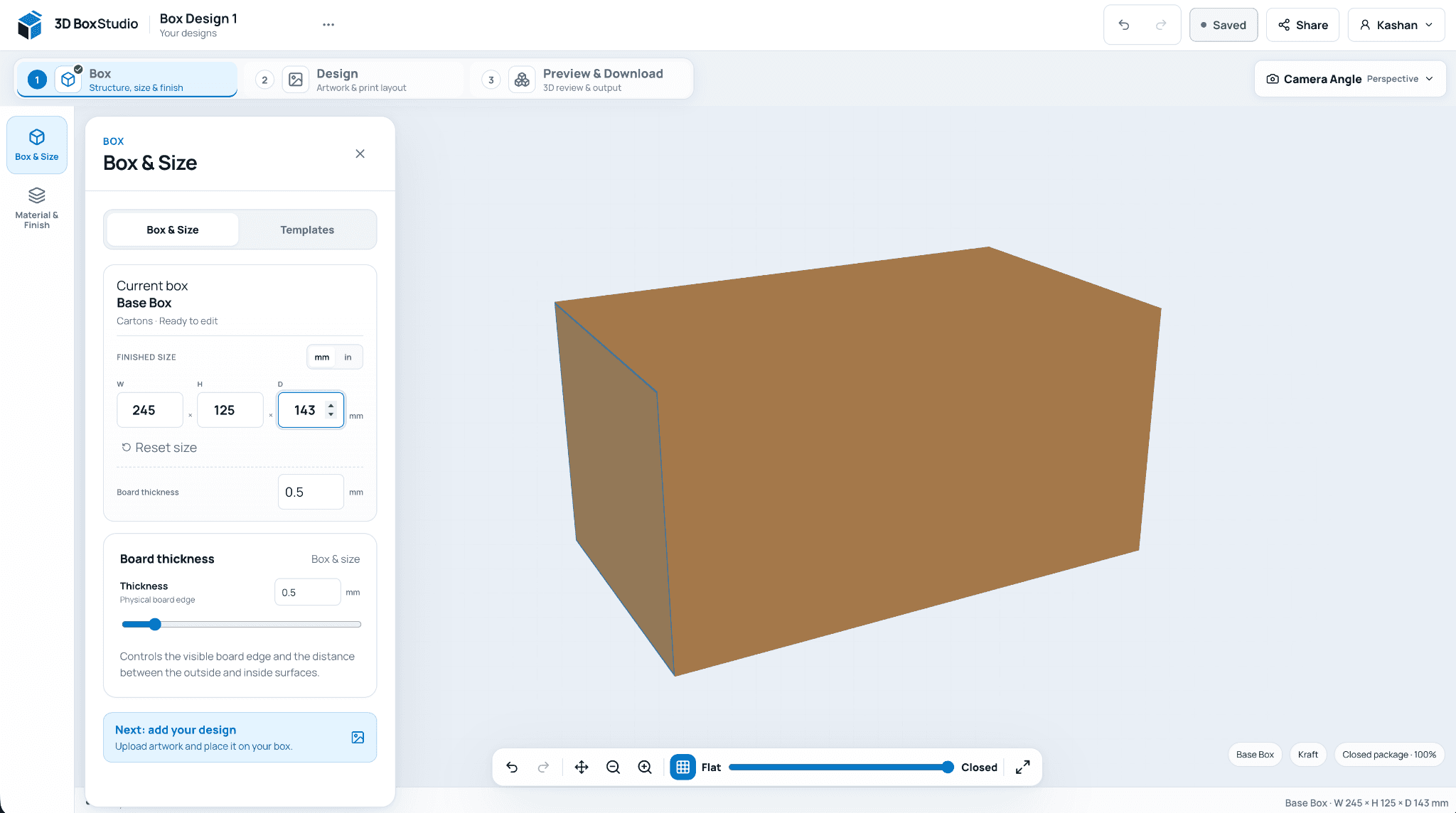
Pick a template, enter finished dimensions in mm or inches, and choose the board material.
01
What is happening to Adobe Dimension
Dimension has not been switched off, but feature development has stopped. Adobe removed Creative Cloud Libraries from Dimension after February 2025, new users have to enable “Show older apps” to install it, and Adobe recommends Substance 3D Stager, which is sold in the Substance 3D Collection.
02
Where 3D Box Studio fits
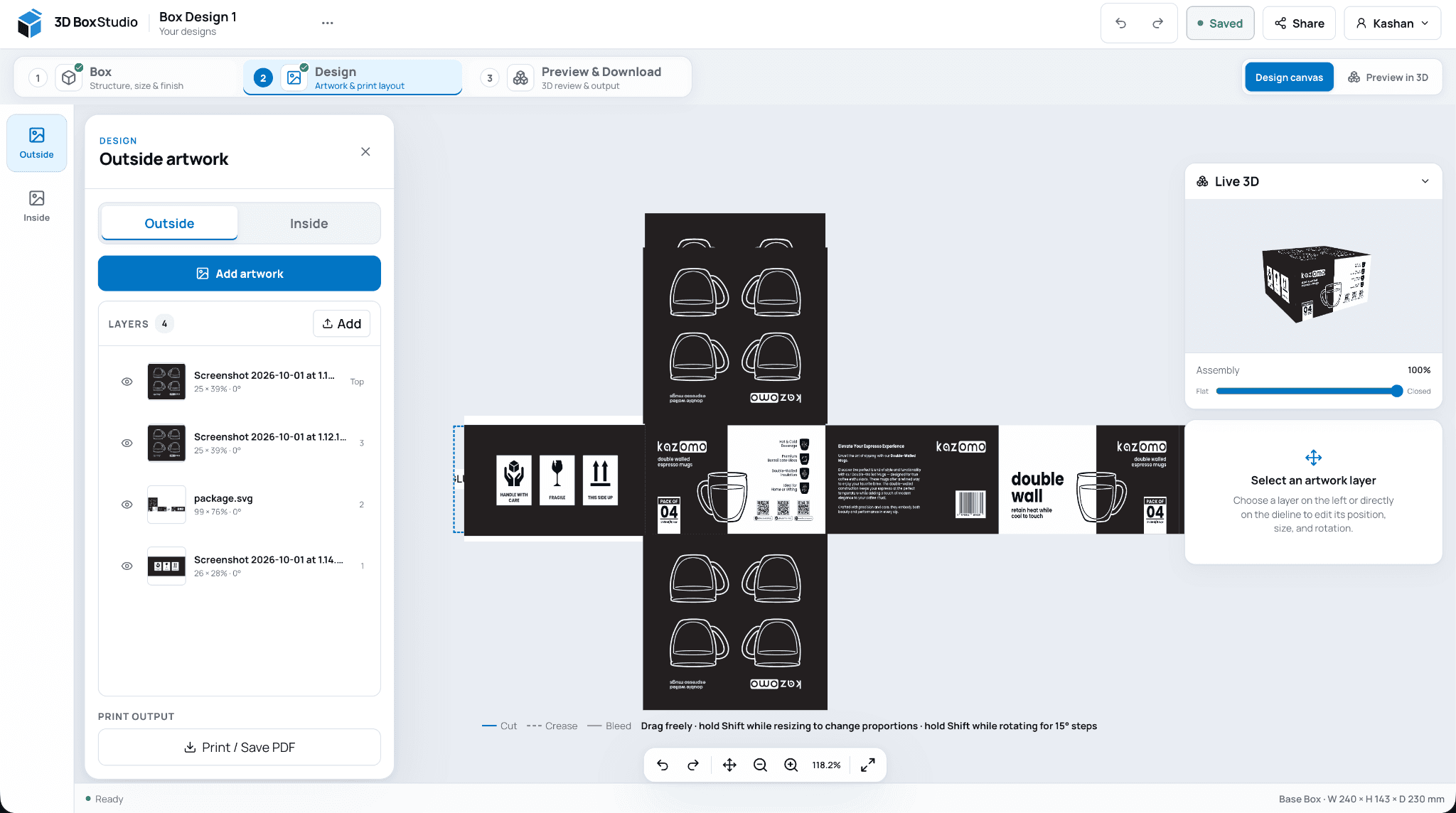
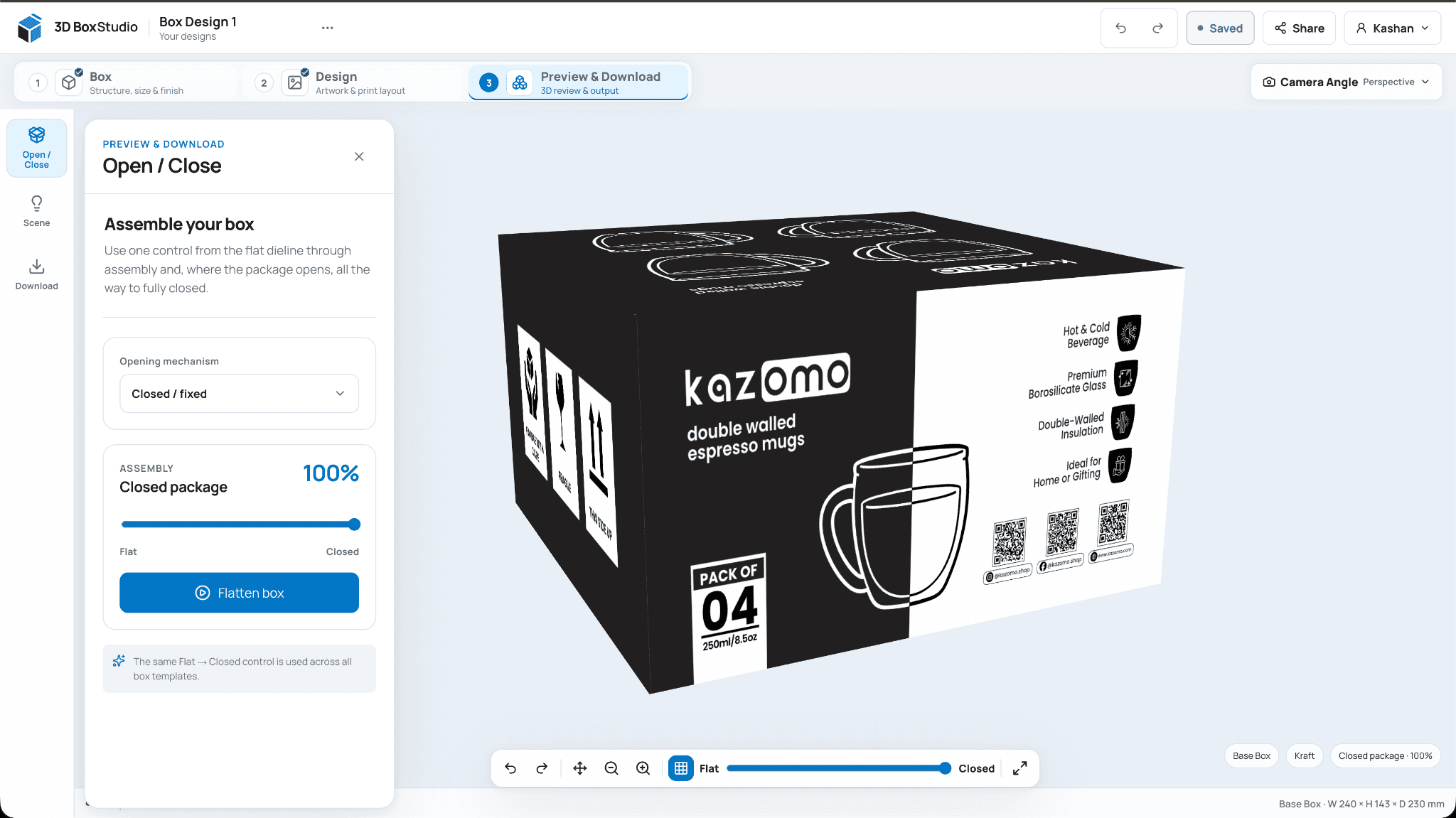
Most packaging work in Dimension is putting flat artwork onto a box and showing it from a few angles. 3D Box Studio starts from the box itself: choose a structure, enter its dimensions, design on the dieline and the 3D model updates as you go.
03
Where Dimension or Stager is still better
If you need photoreal scenes, custom lighting, props or arbitrary 3D models, a full 3D stager is the right tool. 3D Box Studio is focused on boxes and their dielines, not general 3D staging.
04
Moving a design across
Export the flat artwork from Illustrator or Photoshop as PNG, JPG or SVG, upload it in the Design step and place it on the matching panels. There is no import for Dimension project files.
Frequently asked questions
Direct answers before you start.
Useful details about this workflow, its current capabilities, and where production validation still matters.
Not officially. It is still part of Creative Cloud All Apps, but it is in maintenance mode with no new features, and Adobe points 3D work to Substance 3D Stager.
Is 3D Box Studio free?+
Yes. It runs in the browser and needs a free account to design, save and export.
Can I open Dimension (.dn) files?+
No. Export your artwork as images and place them on the dieline in the Design step.
Does 3D Box Studio make photoreal renders?+
It renders a real-time 3D preview with materials such as kraft, matte, gloss and foil, and exports PNG images. It does not do ray-traced scene rendering like Dimension or Stager.
Ready to see your packaging in 3D?
Create a free account, choose a structure, set the size, add artwork, and review the result in your browser.