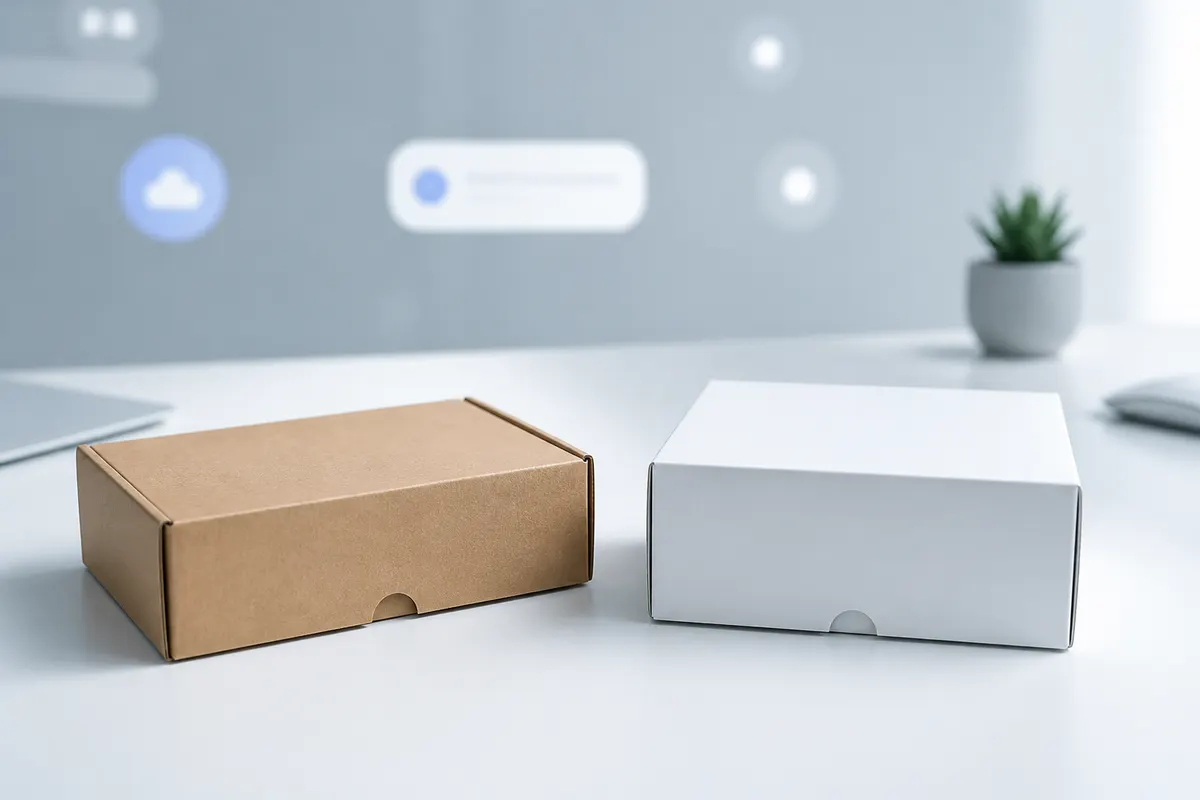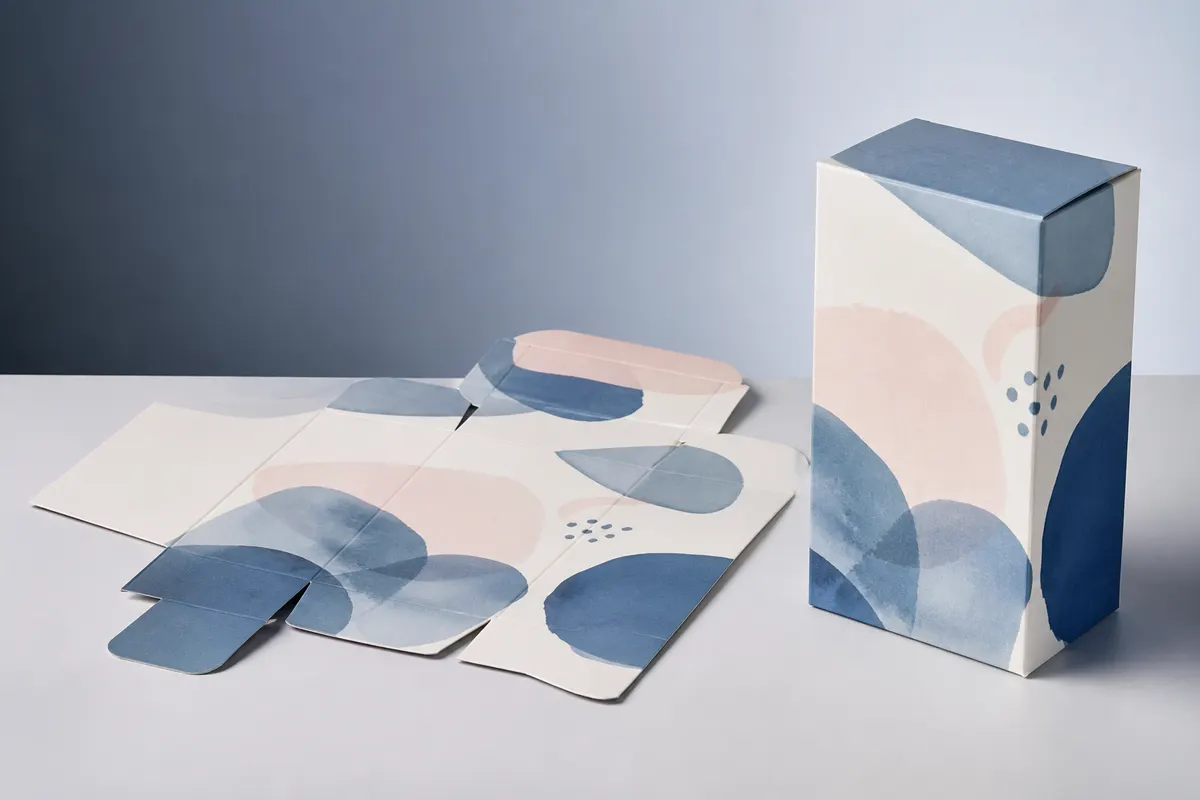
Traditional packaging review often creates two separate files: the real flat artwork and a decorative 3D mockup. Every design change then has to be repeated. A connected 2D-to-3D workflow keeps the dieline as the design source and uses the 3D model as a live review surface.
Step 1: establish the box before decorating it
Choose the structure, finished dimensions, units, and material context first. This prevents artwork decisions from being made against the wrong proportions.
Step 2: design on the flat layout
Use the dieline to place artwork where it actually belongs. Work with panel boundaries, layers, crop, resize, rotation, exact placement, and inside/outside surfaces where supported.
Step 3: check the real reading order in 3D
The front panel may look correct in isolation but fail next to a busy side panel. Rotate the package, inspect corners, and judge how the design reads as one object.
Step 4: review opening behavior
When the structure supports opening controls, inspect more than the closed hero view. An open lid or flap can reveal artwork conflicts, orientation issues, or missed interior opportunities.
Step 5: share the proof, not the working file
Save the project and share a preview link when stakeholders only need to inspect the package. Export a PNG when the review belongs in a presentation, product brief, or approval deck.
Step 6: return to production files with better decisions
The goal is not to replace production proofing. It is to enter that stage with fewer visual surprises because proportions, panel relationships, artwork balance, and opening behavior were already reviewed.
Why connect the dieline directly to the 3D preview?
It reduces duplicate mockup work. Artwork edits stay on the flat package layout while the 3D view updates from the same design state.
Can I still edit artwork after checking the 3D box?
Yes. The workflow is iterative: review in 3D, return to the flat layout, make the change, and preview again.
Does a 3D preview replace a physical sample?
No. It helps with visual review, but physical and production validation are still important before manufacturing.