
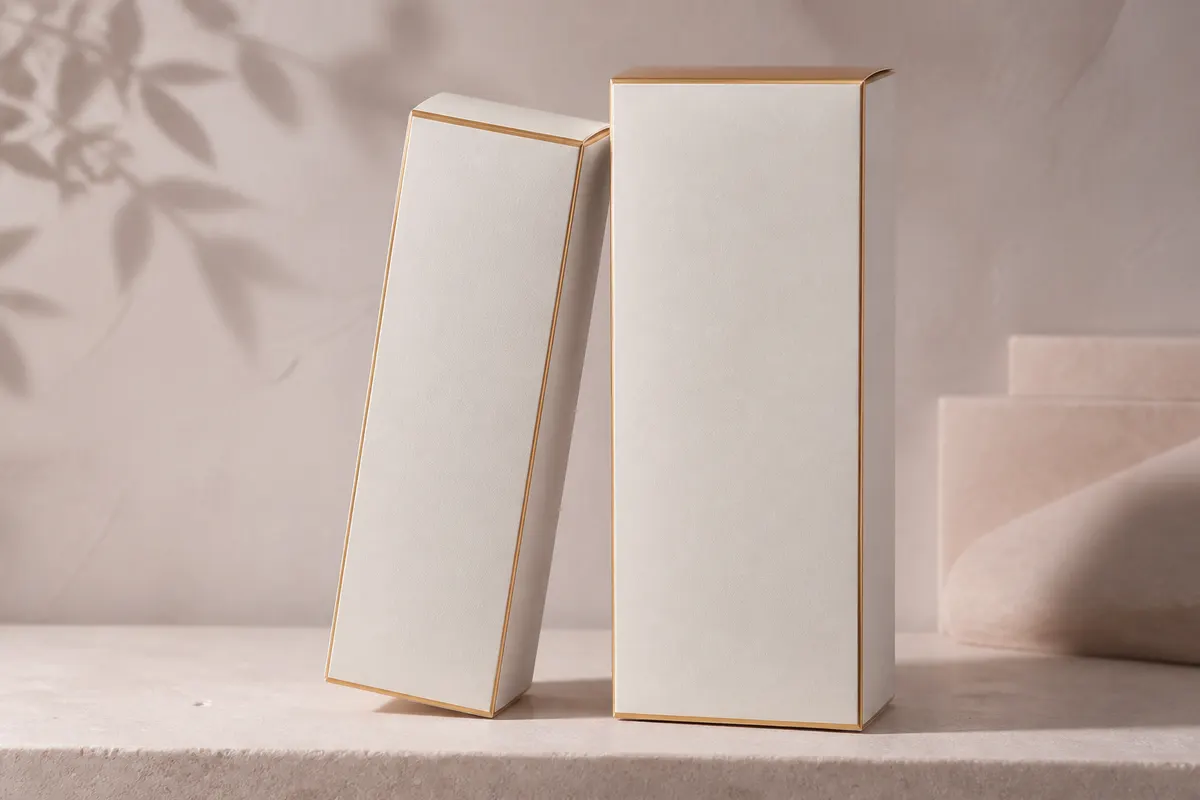
Beauty packaging sells aspiration—matte cartons, metallic foil logos, soft-touch finishes. Brands often burn budget on multiple print samples before the front panel feels right. A 3D cosmetics carton preview helps you judge proportion, foil readability, and shelf blocking before plates go to press.
Why beauty teams simulate cartons early
- Logo and regulatory copy compete for space on small panels
- Foil and gloss areas read differently under retail lighting
- Influencer kits and PR mailers need unboxing-friendly openings
- Retail buyers want to see shelf presence, not flat dieline PDFs
- Limited-edition colorways need fast visual approval across regions
Materials that matter for beauty
In 3D Box Studio, try white carton for standard folding boxes, metallic foil for premium lines, and gloss or matte plastic presets when your comp uses laminated board. Swap HDRI from studio to sunset to approximate warm boutique lighting vs. cold drugstore fluorescents.
Flap and lid checks
Serum sets and gift boxes often use lid-from-back or split-top openings. Simulate the open state to confirm your brand mark is still visible when the consumer lifts the lid—surprises here are expensive at sample stage.
Open the studio and test your comp
Upload per-face artwork, set exact carton dimensions in millimeters, and share PNG exports with your agency or print partner. Free, browser-based, and private—your files stay local until you export.