
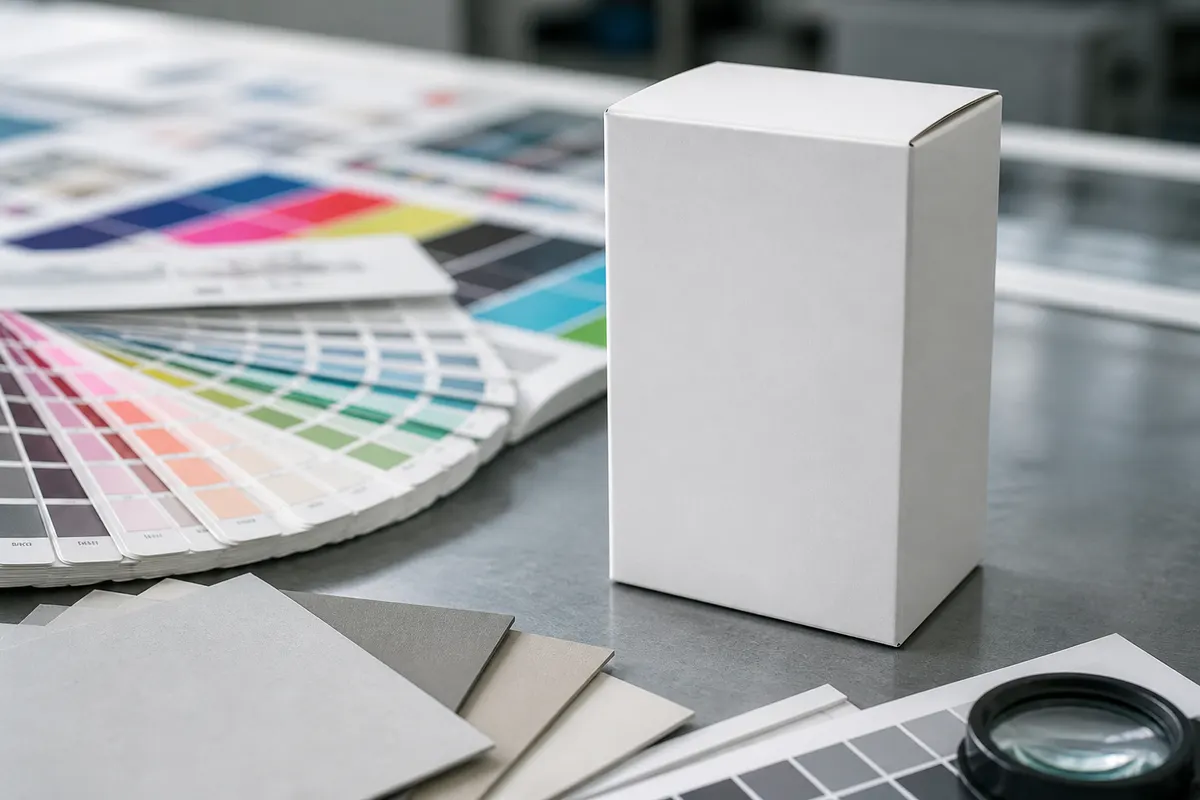
Every packaging printer knows the pattern: the customer approves a flat PDF, then panics when they see the first physical sample. A lightweight 3D mockup between proof and plate catches scale and face-orientation mistakes—and positions your shop as a consultative partner, not just a plate maker.
Where 3D previews fit in prepress
- After artwork upload, before die-line engineering on simple cartons
- When the customer cannot read a dieline flattening
- For sales teams quoting custom mailer sizes
- Internal QC: does the back panel artwork align with the front in 3D?
- Email approvals with a PNG instead of scheduling an on-site meeting
What to tell customers
Be clear that the 3D preview is a look-and-feel tool—not a replacement for your structural CAD or press proof. It validates graphics, rough scale, and opening behavior. Production still flows through your Esko, ArtiosCAD, or in-house die-line workflow.
Fast handoff with JSON export
When a customer revises artwork, they can export JSON from 3D Box Studio and send it back. Your prepress team imports the same scene to verify the update without rebuilding from scratch. That alone can shave a day off email chains.
Add 3D preview to your quoting toolkit
Bookmark the free studio, run a five-minute mockup on the sales call, and attach a PNG to the quote PDF. Customers remember the printer who showed them the box before they paid.