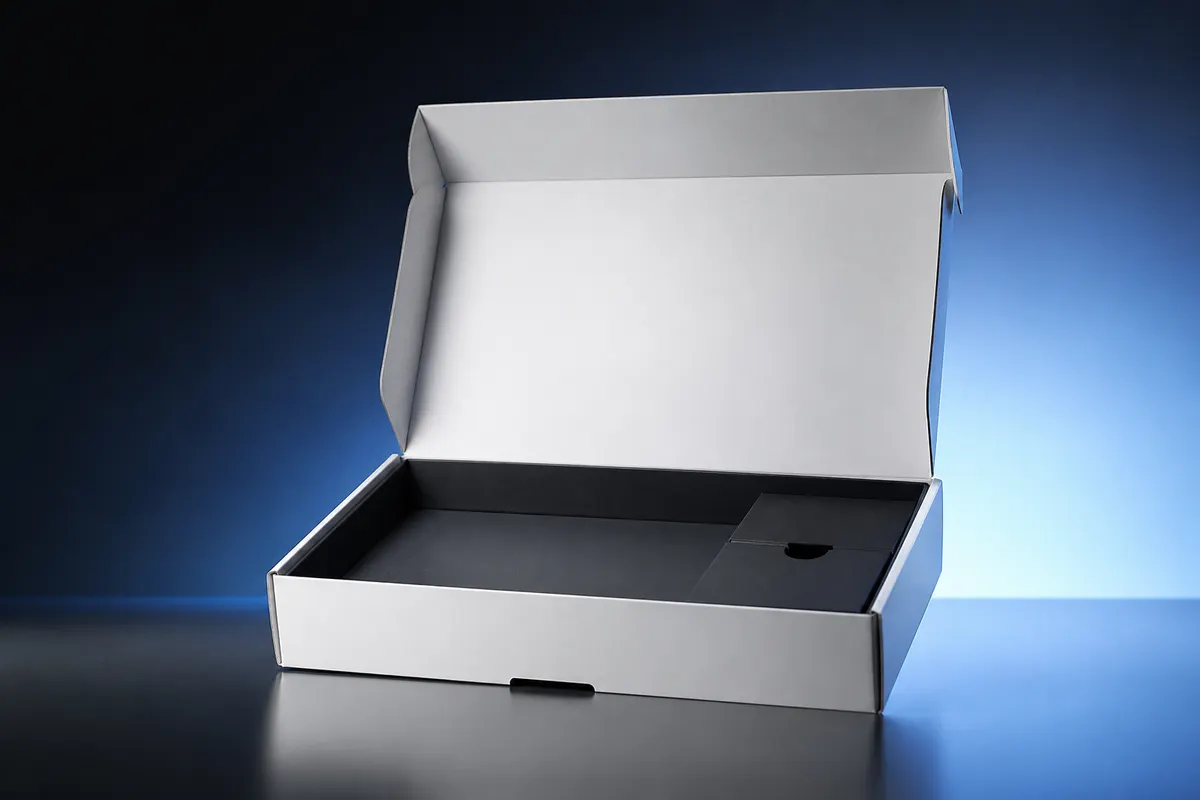
Electronics packaging is part of the product experience—clean panels, precise proportions, and a satisfying unboxing shot. Hardware teams often wait on factory samples while marketing needs campaign visuals. A 3D gadget box preview closes that gap with shareable mockups based on your target outer dimensions.
What electronics teams check in 3D
- Front-panel product name and hero graphic at retail eye level
- Accessory kits and cable shippers with consistent brand blocks
- Interactive lid-opening previews for unboxing and Kickstarter planning
- White gloss vs. matte board for premium vs. value SKUs
- Regulatory icons and barcode placement on side panels
From CAD product to packaging mockup
You do not need to import product CAD into the packaging simulator. Enter finished carton outer dimensions from your packaging supplier quote, upload panel artwork exported from Figma or Illustrator, and review the shell that will sit on shelf or arrive at the customer's door.
Share with contract manufacturers
Attach PNG exports to RFQs so overseas factories see graphic intent clearly. Pair with a view-only preview link when stakeholders need to orbit the model themselves.
Try a tech carton preview free
Open the studio, choose a supported structure, set dimensions, select White board or Matte coated, and position artwork on the flat layout. Export PNG previews or share an interactive review link for your hardware launch.