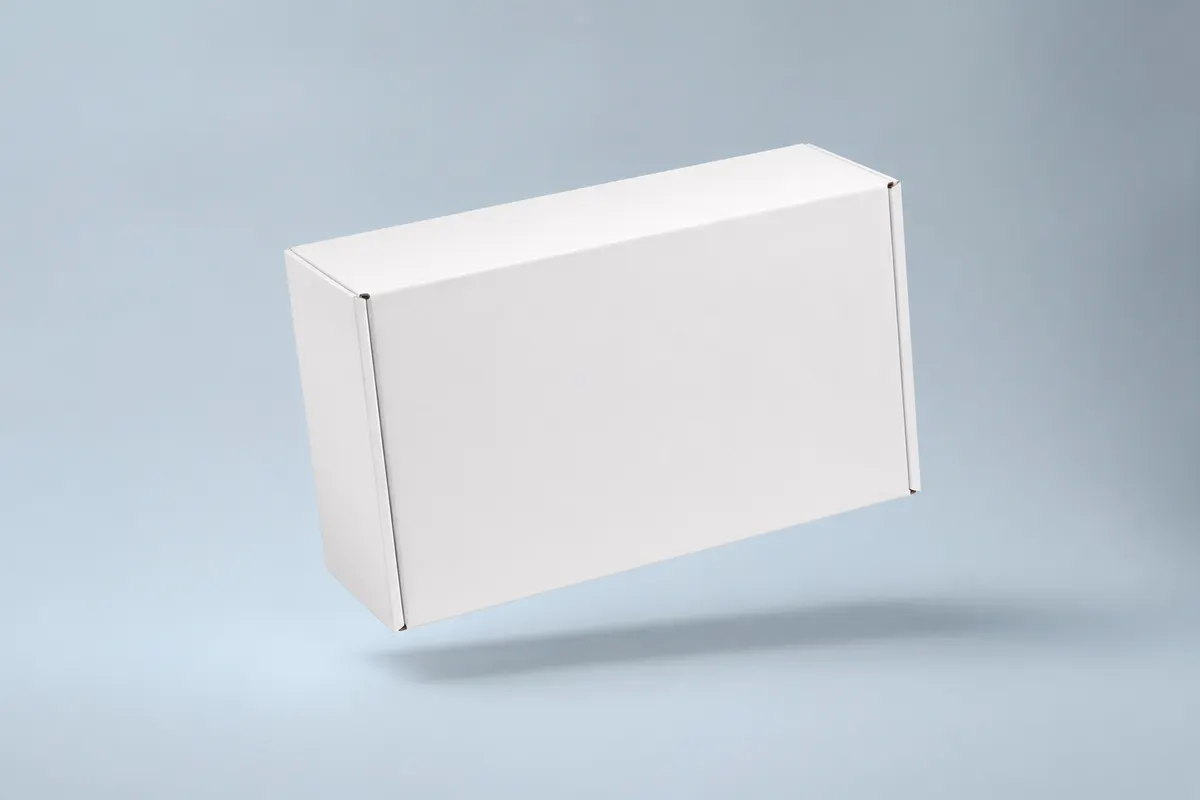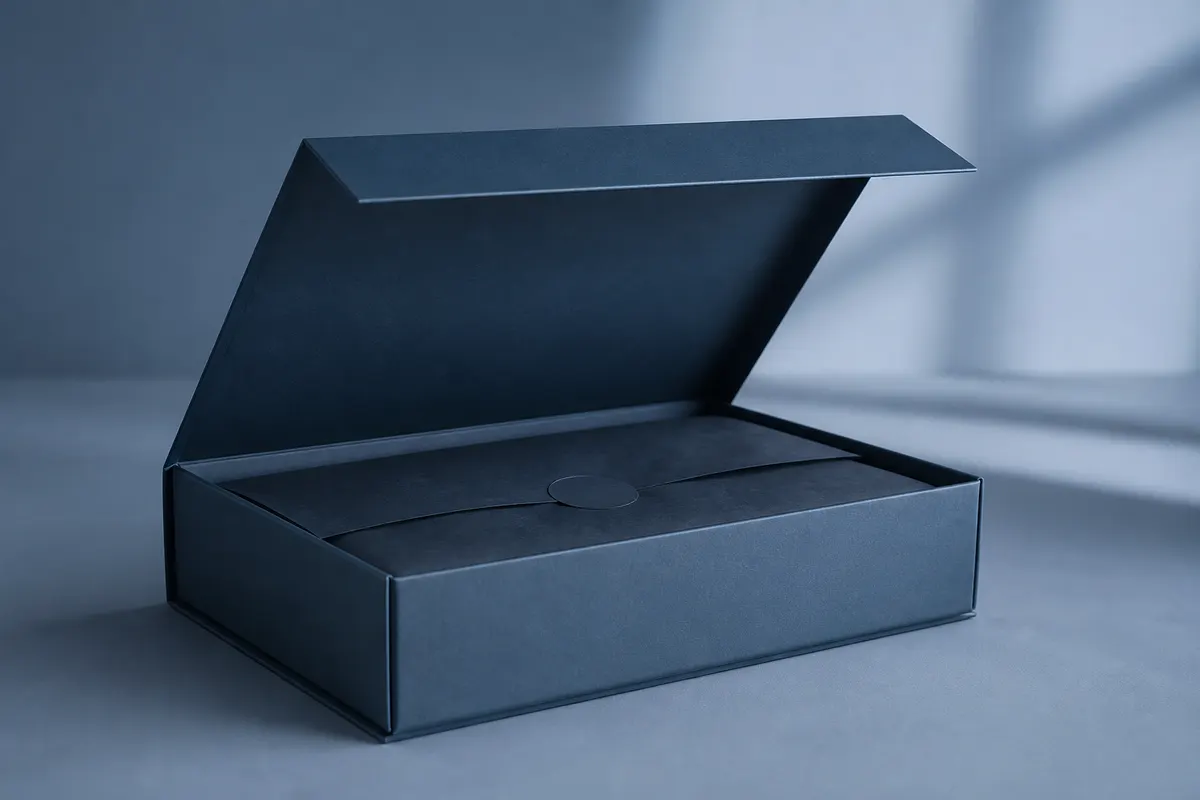
A mailer box mockup online lets you see branded shippers and e-commerce mailers in three dimensions before you order corrugated stock. For DTC brands and Amazon sellers, getting logo scale, flap layout, and board color right saves costly reprint cycles—and a free browser tool is often enough for visual approval.
Why teams search for mailer box mockups
- Confirm exterior branding reads on the narrow side panels
- Test kraft natural vs. white corrugated for brand tone
- Preview lid-from-back openings for unboxing content
- Share PNGs with converters when requesting quotes
- Iterate seasonal art without waiting on physical samples
Mailer mockup vs. subscription box preview
Subscription boxes emphasize interior reveal and insert theater. A mailer box mockup focuses on the shipper shell—outer dimensions, carrier dim weight, and exterior print. Use the same 3D studio for both: set proportions from your 3PL or converter quote, then upload face artwork.
Quick online workflow
A dedicated mailer template is planned; today, use the split top box as your shipper. Enter width × height × depth in inches or millimeters, and select Kraft or White board for visual review. Position logo and side artwork on the flat layout, then export a PNG for your operations discussion or listing draft.
Build your mailer box mockup free
Open 3D Box Studio in the browser and create a custom shipper mockup from the split top box template. Export viewport PNGs or share a view-only preview link for your launch deck and team review.