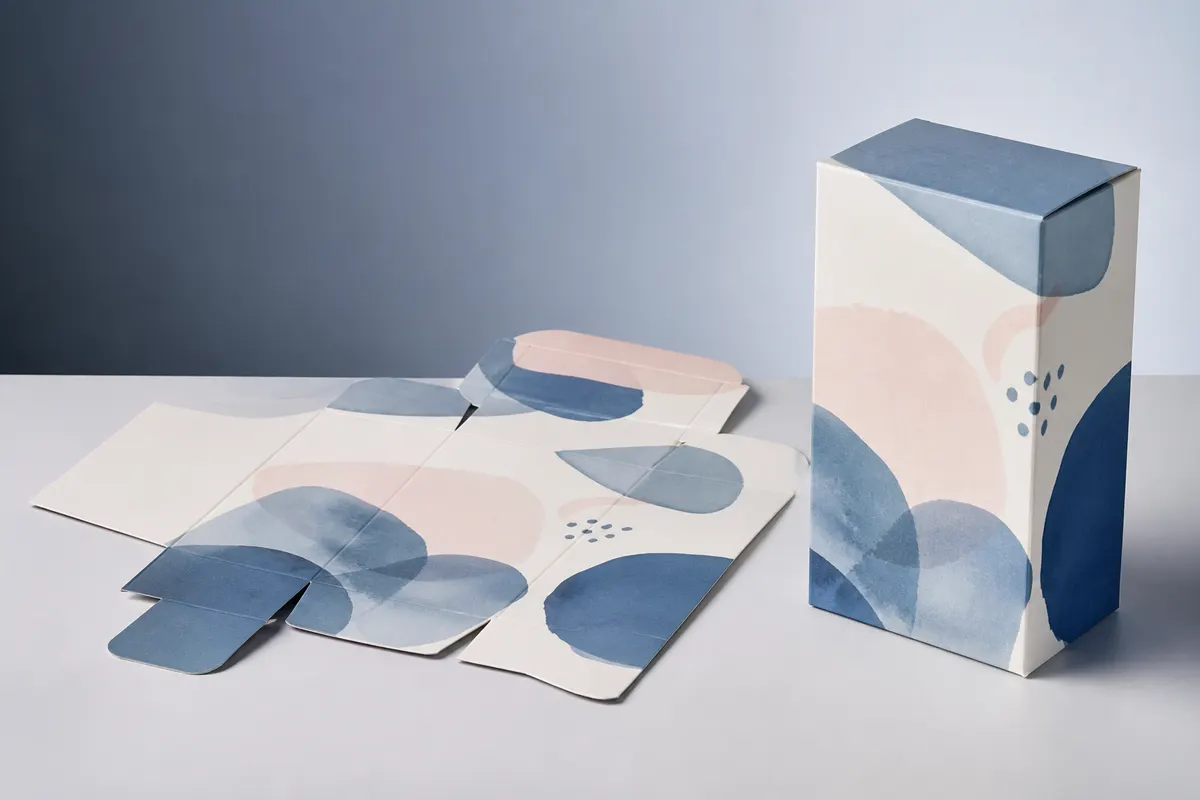
Most box SVGs you can download come in one fixed size. If your product is 2 mm too big, the template is useless. 3D Box Studio draws the template from your own size and card thickness, so you can cut a box that fits, and see it folded in 3D before you cut anything.
Box styles you can cut
- Reverse tuck end box: the classic product carton with tuck flaps at both ends. Good for cardstock gifts and favours.
- Mailer box: a self-locking box with a hinged lid, no glue needed.
- Rigid lid and base box: a two-piece gift box with a lift-off lid.
- Pizza box and split top box for flat items and shipping boxes.
Step by step
- Measure what goes inside and add a little room. See inside vs outside box dimensions.
- Open the box template, enter the size and switch to inches if you prefer.
- In the Studio, set the board thickness to your card's thickness, and adjust flap sizes if you want a longer tuck or a deeper lid.
- Add your artwork if you plan to print-then-cut, and check it in 3D.
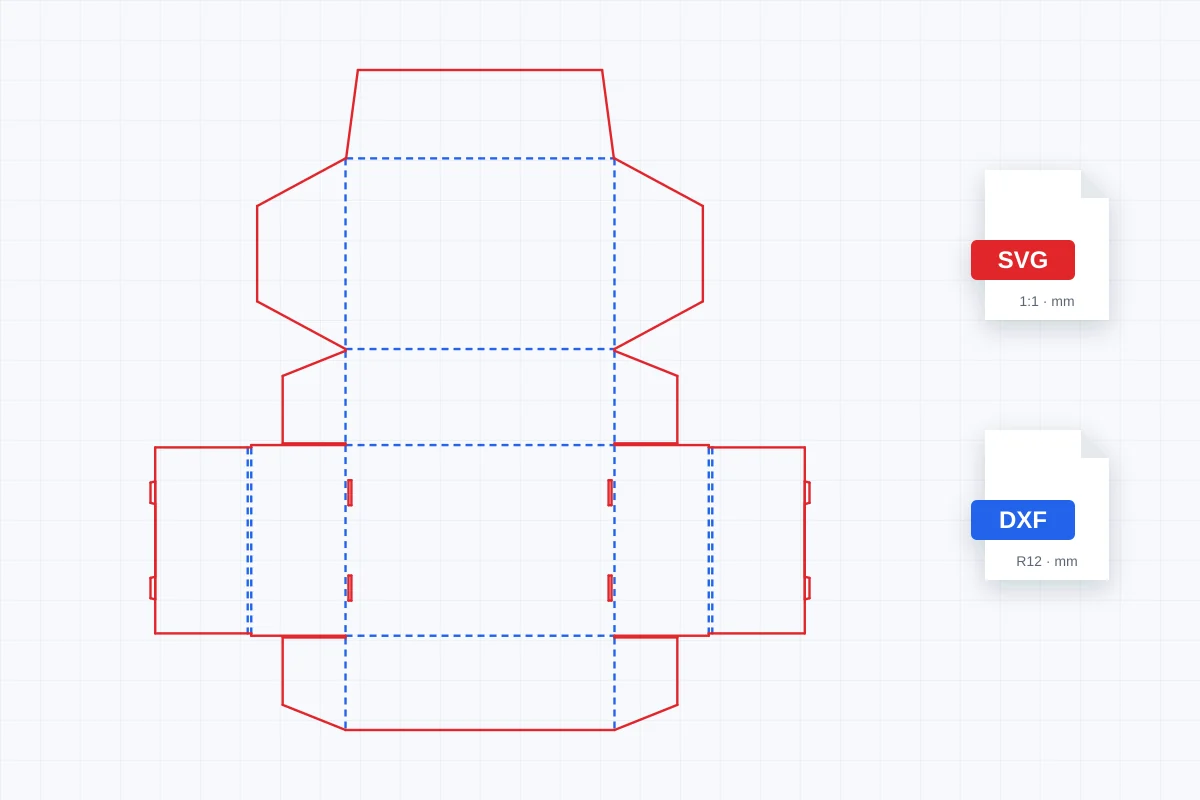
- Go to Preview & Download › Download › Dieline and download the SVG (or DXF for laser software that prefers it).
Setting up the cut
- Cricut Design Space: upload the SVG, ungroup it, select the blue dashed CREASE lines and change their operation from Cut to Score (a scoring stylus or wheel is needed). Attach the lines before sending to the mat.
- Silhouette Studio: open the SVG and set the CUT lines to cut and the CREASE lines to a perforation or a light score pass.
- Glowforge, LightBurn and other laser software: assign the red CUT layer to cut and the blue CREASE layer to a low-power score or engrave. DXF imports keep the layers too.
- Hide or delete the LABELS layer if your program imports it; it only names the panels.
Why size matters for a box that closes
A box folded from thicker card loses a little at every fold. The template spaces the panels for the thickness you enter, which is why a tuck flap still slides in and a lid still closes. If you change card weight, change the thickness and download the template again.
Can I make a box SVG in any size for my Cricut?
Yes. Pick a box style in 3D Box Studio, enter the size you need in millimetres or inches, and download the template as an SVG. It is free with an account.
Will the crease lines score instead of cut?
They are on their own CREASE layer, dashed and in blue, so you can switch that layer to Score (Cricut), a score or perforation setting (Silhouette), or a low-power engrave (laser). Check this before cutting; most programs import everything as cut by default.
Is the SVG the right size when I import it?
The SVG is sized in millimetres at 1:1. Some programs rescale on import, so check one known measurement, such as the box width, after importing.
What board thickness should I enter?
The thickness of your card or board, for example about 0.3 to 0.5 mm for heavy cardstock. The template uses it to space the folds, so the box closes neatly.