
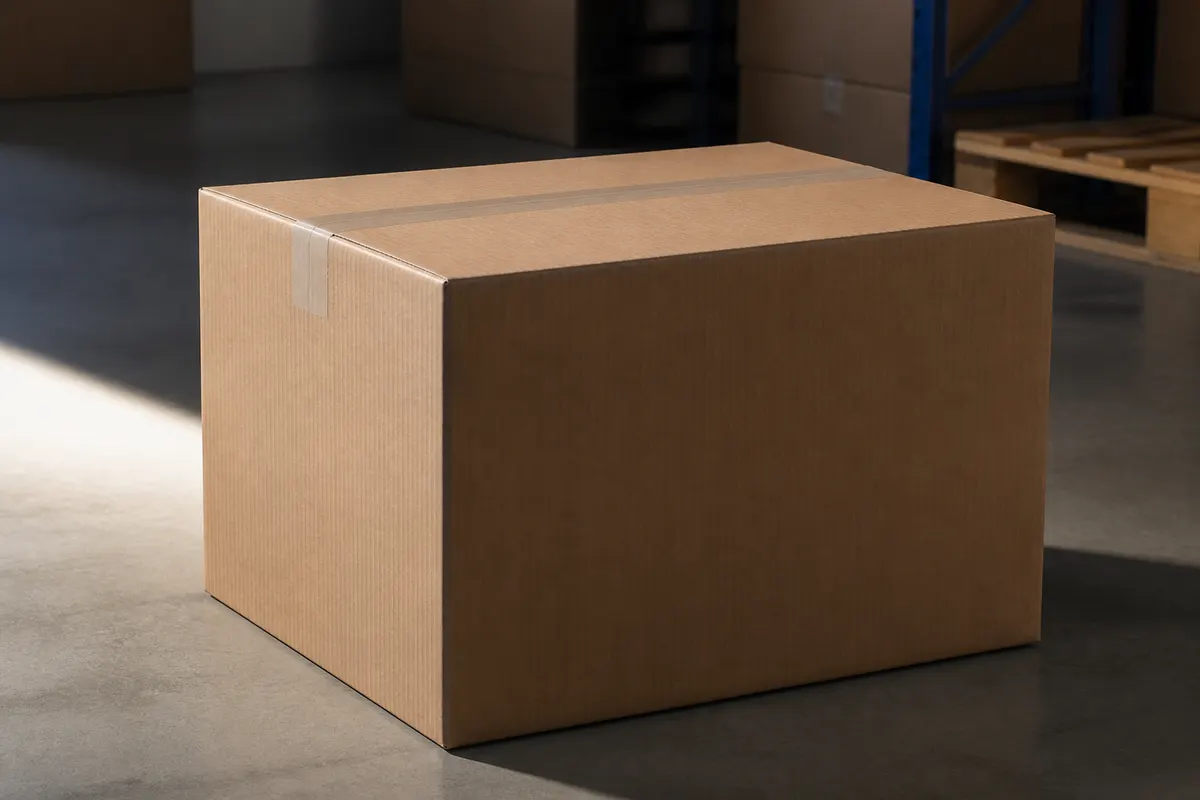
Branded shipping boxes are billboards in the mail stream—but corrugated MOQs and plate charges make mistakes costly. A 3D corrugated box preview lets operations and marketing agree on logo scale, tape placement, and board color before the converter runs the first order.
Who uses corrugated 3D previews
- DTC brands balancing unboxing drama vs. freight cost
- Wholesale shippers standardizing case prints across SKUs
- Operations teams validating box size against carrier dim weight
- Agencies presenting shipper concepts without ordering samples
- Sustainability teams comparing kraft natural vs. bleached white board
Material presets for shippers
Use the corrugated material preset in 3D Box Studio for realistic flute texture. Pair with warehouse HDRI to approximate how the box looks in a fulfillment center photo vs. a customer's doorstep.
Right-size before you buy
Enter outer dimensions to match your product plus void fill. A quick simulation confirms whether your logo fits the narrow side panel before you lock a die.
Try a shipper mockup free
Open the studio, set shipper dimensions, upload one-color or full-color art per face, and export a PNG for your ops and marketing sync. No CAD license required.