
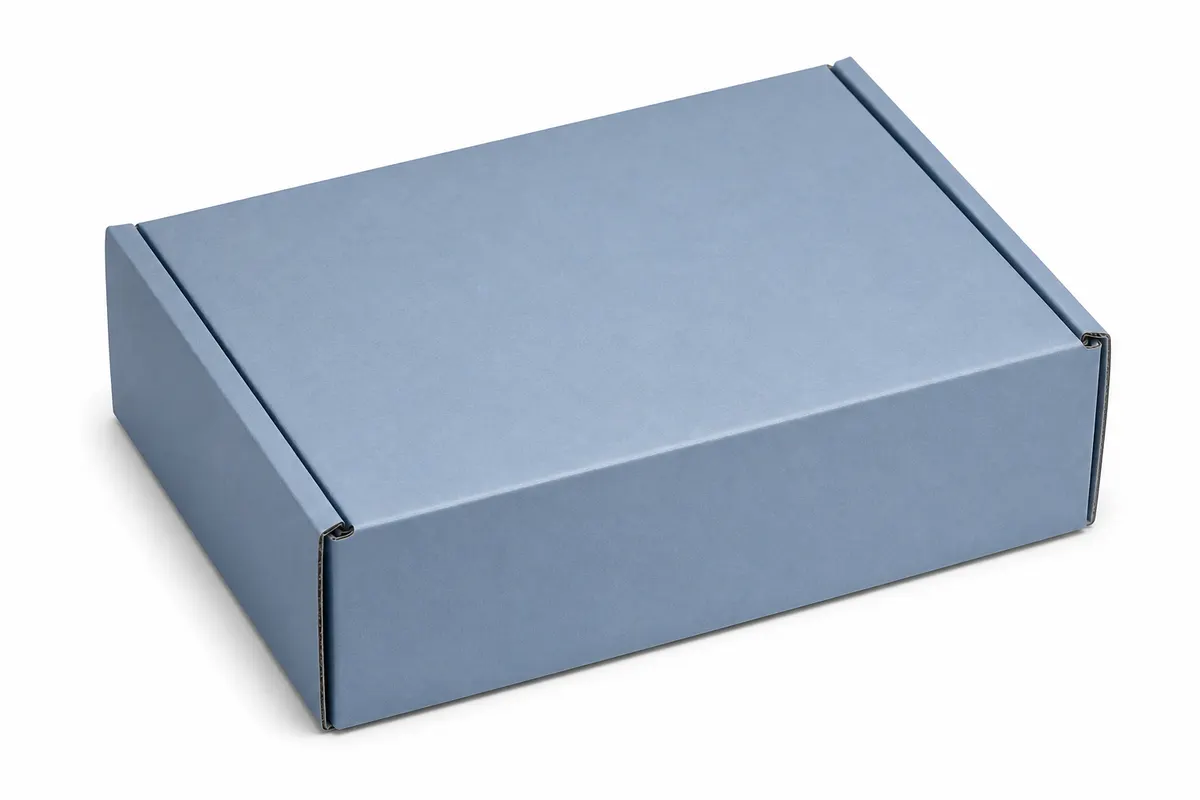
If you sell on Amazon, Shopify, or Etsy, your listing lives or dies on visuals. A professional photo shoot costs hundreds per SKU—and reshooting when you tweak label copy is painful. A browser-based 3D box mockup lets you preview packaging, export PNG hero shots, and iterate before you print a single unit.
When sellers use 3D packaging previews
- Main image and gallery shots before inventory arrives
- A+ content panels showing unboxing and scale next to the product
- Testing logo size on a mailer vs. a tuck-end carton
- Seasonal label variants without re-photographing physical boxes
- Pitching suppliers with a clear visual of finished retail packaging
Quick workflow for listing-ready PNGs
Set your mailer or carton dimensions to match your supplier spec. Upload front, back, and side artwork exported from Canva or Illustrator. Switch to a clean studio HDRI, orbit to a three-quarter hero angle, and export a PNG. Most marketplaces want a white or neutral background—warehouse and studio presets in 3D Box Studio work well.
What this does not replace
3D mockups are for pre-production and marketing drafts. Final listing photos often still need a physical unit for color accuracy and texture. Use simulation to approve layout early; use photography for the live listing once samples land.
Try it free
Open 3D Box Studio, pick corrugated or white carton, drop in your label art, and export a viewport PNG in minutes. No render farm—just a shareable mockup you can drop into a listing draft or supplier email.