
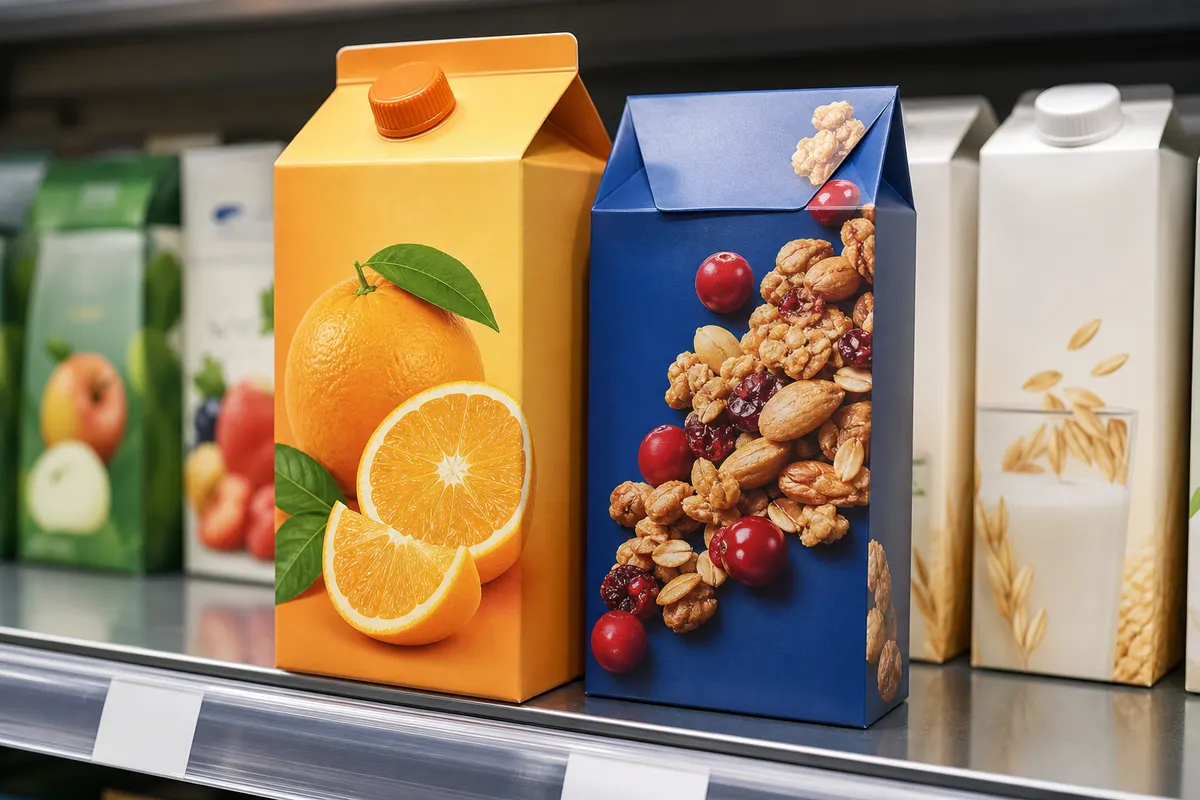
Food and beverage packaging competes in a crowded aisle. Nutrition panels, allergen statements, and brand marks all fight for panel space. Flat dielines hide how bold your logo looks next to competitors. A 3D carton preview helps brand and regulatory teams agree before the first press check.
F&B-specific checks in simulation
- Front-panel brand block height vs. flavor variant text
- Whether barcode placement survives flap openings
- Kraft board for natural/organic lines vs. bright white for mainstream SKUs
- Multi-pack cartons: can shoppers read the flavor from a three-quarter angle?
- Seasonal limited runs—swap artwork on each face without new photography
Regulatory copy and openings
Use opening simulation to confirm required copy is not hidden behind a tuck flap when the consumer opens the carton. Simulation does not replace legal review—it helps legal and design see the same object.
Share with retail buyers
Retail category managers respond to visuals. Send a PNG mockup with warehouse lighting to approximate in-store conditions, alongside your flat mechanical art for their records.
Preview your next SKU free
Open 3D Box Studio, set carton dimensions from your structural brief, upload panel art, and export shelf-angle PNGs. Browser-based, free, and ready for your next line extension.