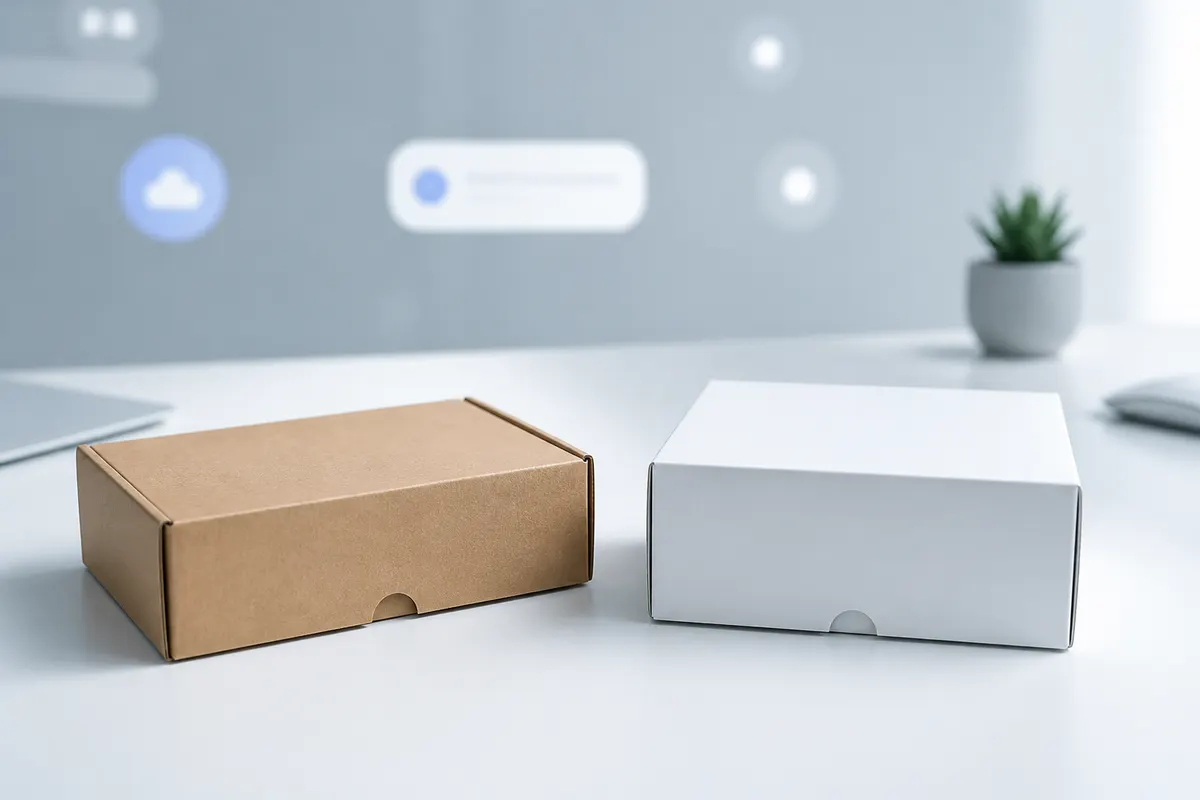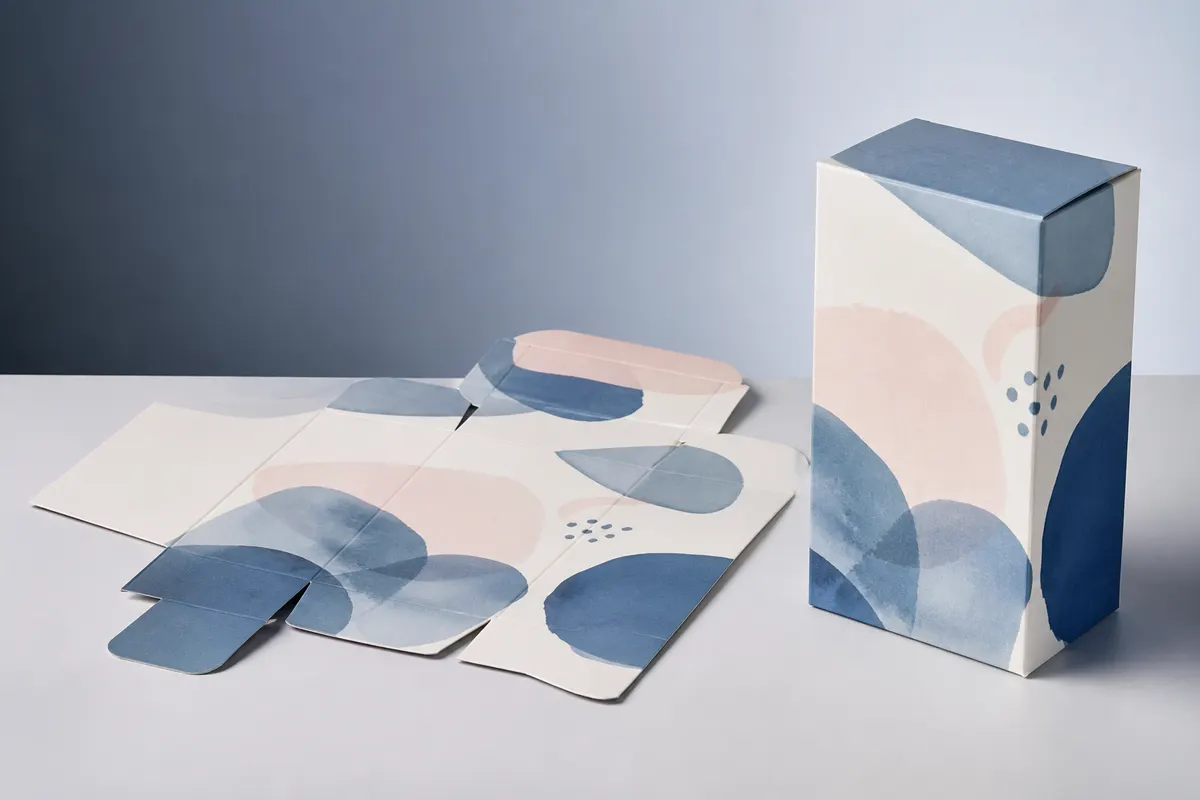
People searching for a Pacdora alternative often want a simpler answer to a specific job: choose a box, set the size, place artwork, see the result in 3D, and share or export it. 3D Box Studio is being built around that focused workflow rather than claiming one-to-one parity with every part of Pacdora.
What 3D Box Studio focuses on
- Packaging structure templates with their own geometry
- Finished dimensions and units
- A 2D dieline artwork workspace
- Layers, drag/drop placement, crop, resize, and rotation
- Interactive 3D box preview and camera angles
- Opening and folding review for supported structures
- Project saving and reopening
- Shareable preview links
- PNG export
Where Pacdora may offer more
Pacdora has a broader packaging ecosystem and a larger mature feature surface. If your workflow depends on a specific Pacdora feature, template family, scene-building capability, or production service, compare that requirement directly instead of assuming the tools are identical.
Why a narrower tool can still be useful
For a designer who mainly needs to validate panel artwork and box proportions, a focused workflow can reduce friction. The value is not 'more features'; it is getting from the flat packaging design to a reviewable 3D proof with fewer conceptual steps.
Dielines: useful for design, validate for production
3D Box Studio can generate or use flat layouts for supported structures so artwork can be planned against the actual panels. Dimensional and production accuracy is still being improved, so final manufacturing files should be checked for bleed, fold/cut tolerances, material behavior, glue areas, and printer-specific requirements.
Which should you choose?
Choose based on the task, not the brand name. If you need a focused browser box designer with dimensions, dieline artwork, 3D review, saving, sharing, and PNG export, try 3D Box Studio. If you need a broader packaging platform or a feature unique to another product, evaluate that requirement directly.
Is 3D Box Studio the same as Pacdora?
No. 3D Box Studio is a separate product with a narrower focus on browser-based box setup, dieline artwork, 3D preview, saving, sharing, and PNG export.
Is 3D Box Studio free?
It is free to start in the browser.
Does it support custom dimensions?
Yes, supported structures can use editable finished dimensions and units.
Does it replace structural packaging CAD?
No. It is for design and visualization. Final production geometry and printer requirements still need structural and print validation.