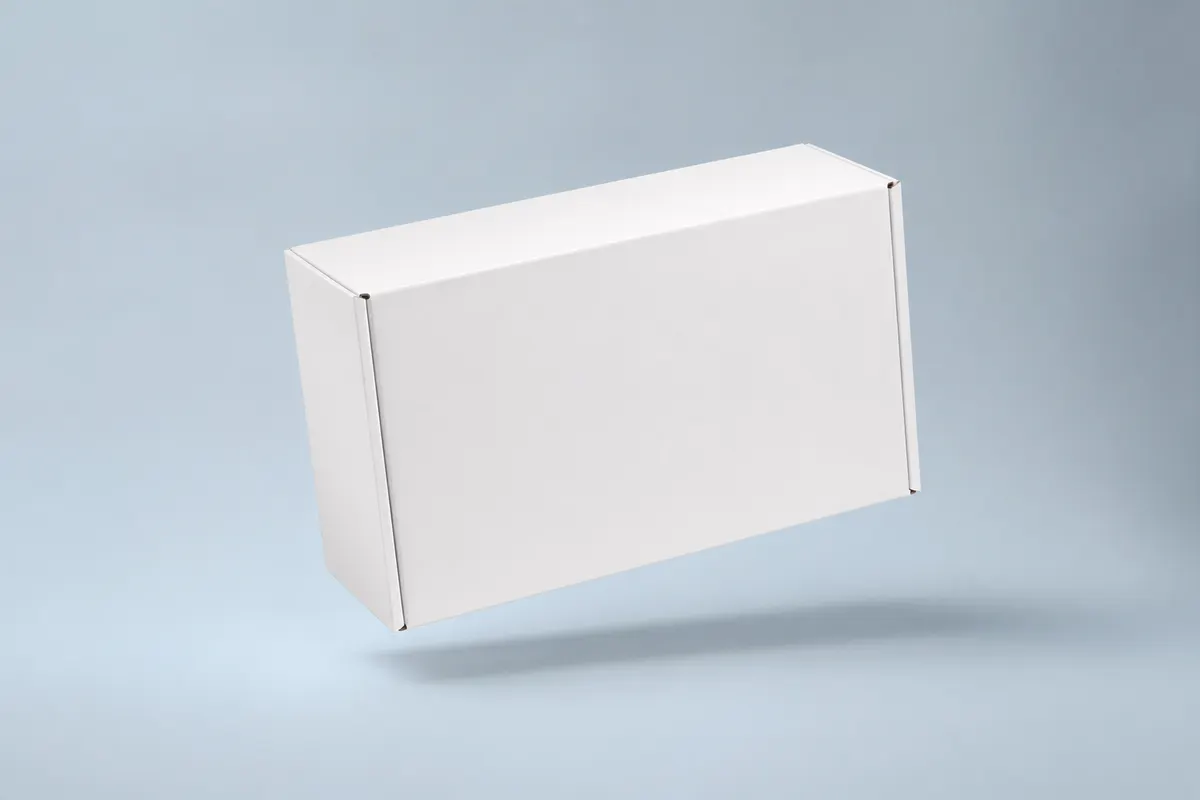
Backers fund the dream—and the box is part of the reward. Campaign pages with flat artwork feel unfinished; polished 3D mockups signal manufacturing seriousness. But creators often cannot afford physical prototypes for every campaign revision. A free 3D box preview bridges the gap between concept art and factory samples.
Where mockups strengthen campaigns
- Hero image on Kickstarter or Indiegogo project pages
- Update posts when you change reward tier packaging
- Manufacturer RFQs with clear dimensional and graphic intent
- Press kits for tech blogs and product reviewers
- Stretch goal announcements with new carton art
Keep expectations honest
Label mockups as renders in campaign copy. Backers appreciate transparency. Use simulation to narrow options; show physical samples in a later update when they exist.
Plan the unboxing sequence for the campaign
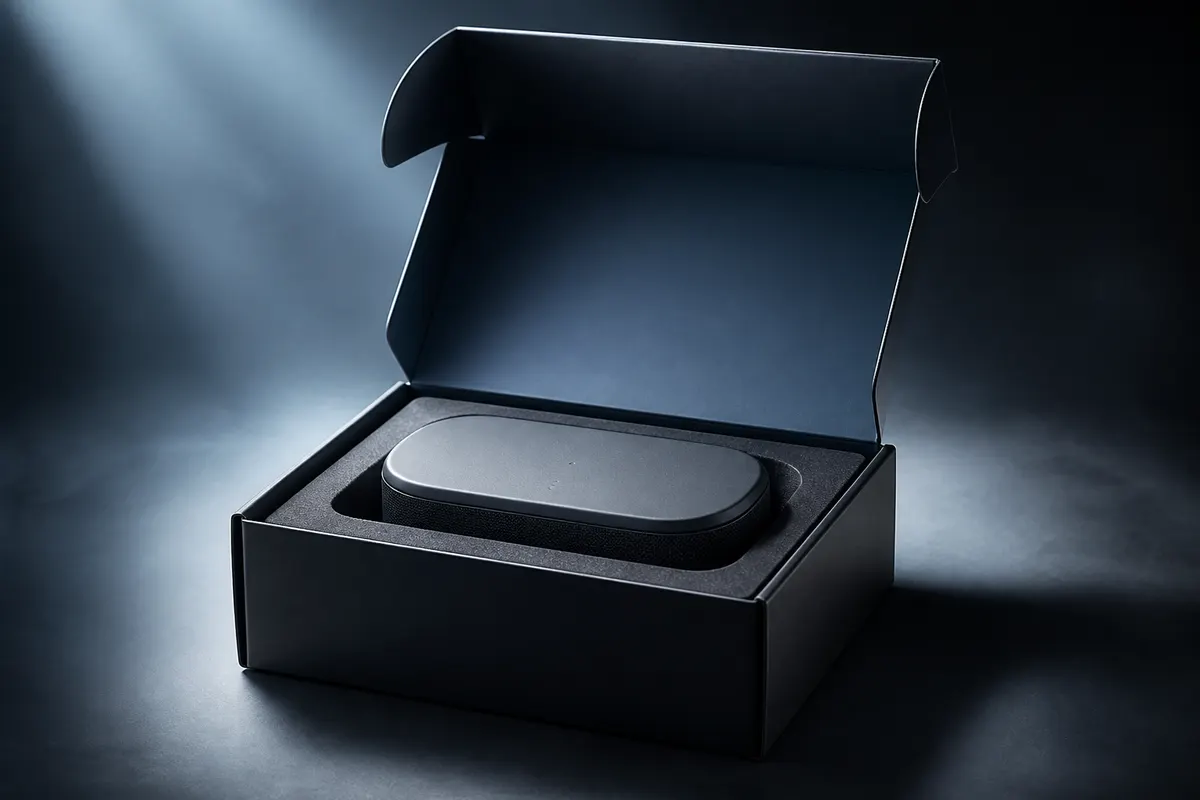
Use the interactive opening preview to plan the reveal, and export PNGs of open and closed states for your storyboard. Share a view-only link for team review, or export a short MP4 of the box folding closed and turning for social posts.
Launch your campaign preview today
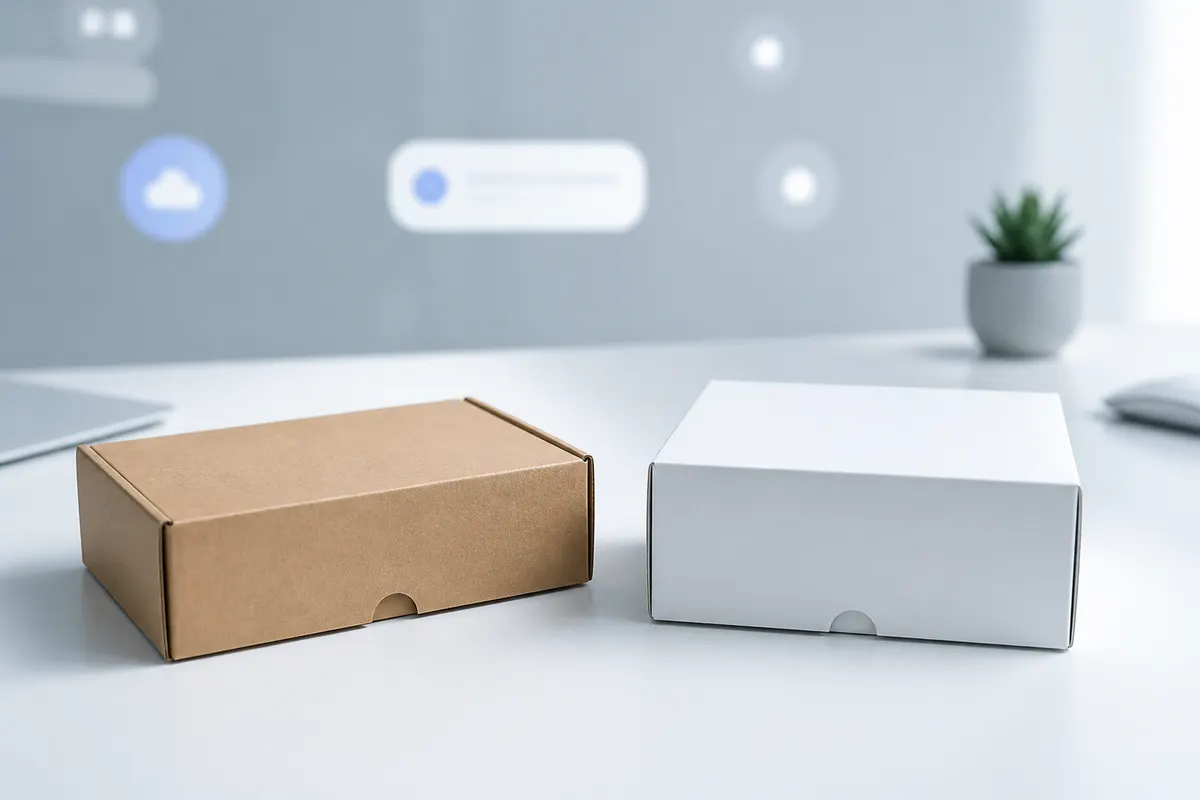
Set reward box dimensions, upload your label art, pick kraft or white board, and export PNGs for your page builder. Free and fast—so budget stays on manufacturing.