
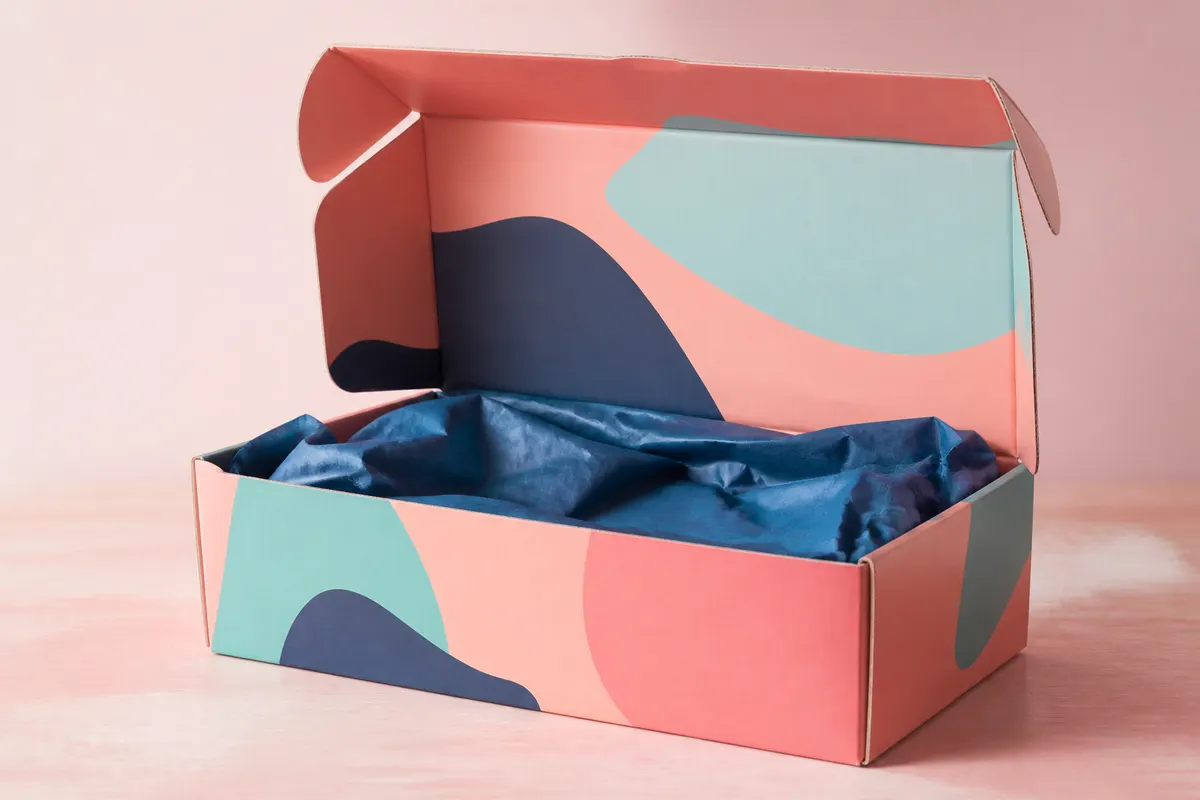
Subscription boxes live on unboxing videos and Instagram reels. The mailer is part of the product. Yet many DTC teams lock dimensions and print plates before anyone has seen the box open on camera. A 3D mailer simulation lets you test flap motion, interior art placement, and camera angles before you order ten thousand units.
What to simulate for DTC mailers
- Lid-from-back reveal for the classic unboxing shot
- Split-top flaps for shipper-style mailers
- Whether the logo on the inside lid frames the product
- Corrugated kraft vs. white glossy exterior for brand tone
- Viewport MP4 recordings for pitch decks and investor updates
Pair with your insert strategy
3D Box Studio previews the outer shell. Use the simulation to confirm the mailer height fits your planned insert stack, then validate with a physical prototype. The goal is fewer surprise reshoots when the creative team films launch content.
Fulfillment-friendly dimensions
Enter outer dimensions in inches or millimeters to match your 3PL spec. Share PNGs with fulfillment partners so everyone agrees on orientation before labels are applied.
Prototype your next drop in the browser
Open 3D Box Studio, choose a mailer proportion, upload exterior and interior faces, and record a short viewport video for your team Slack. Free and instant—perfect for seasonal box refreshes.