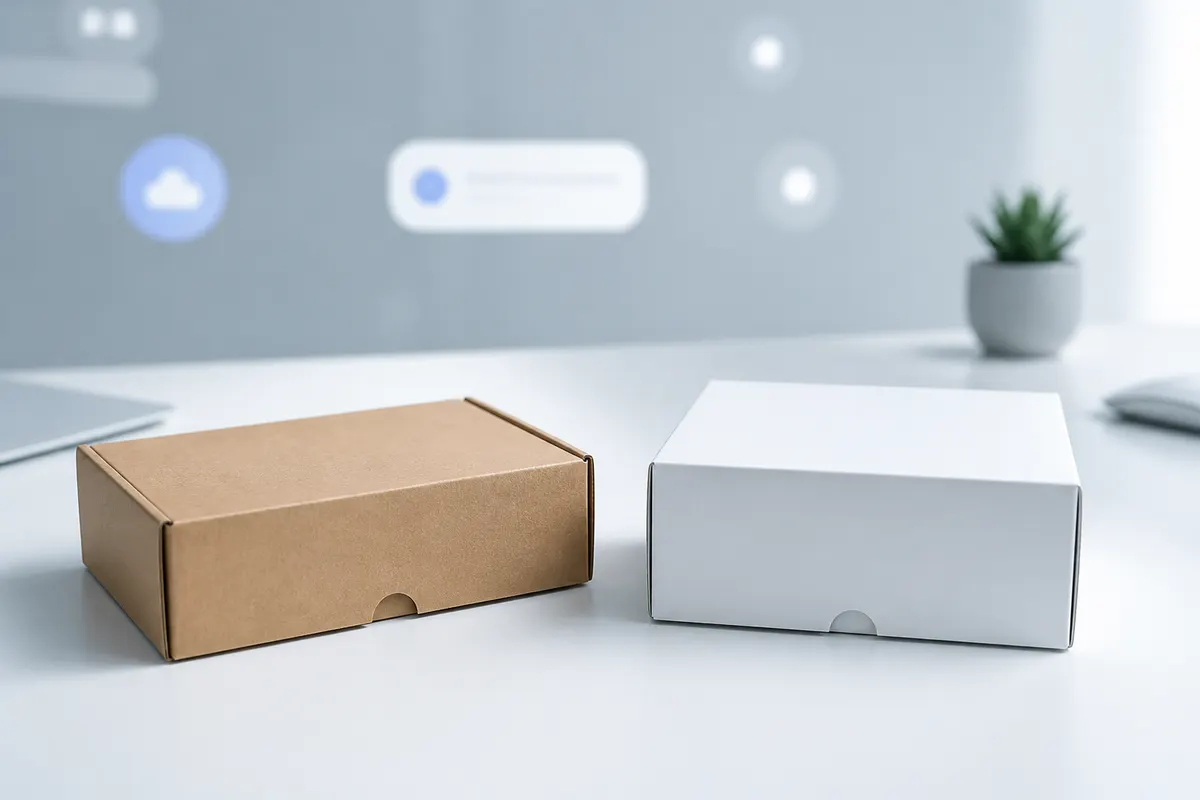
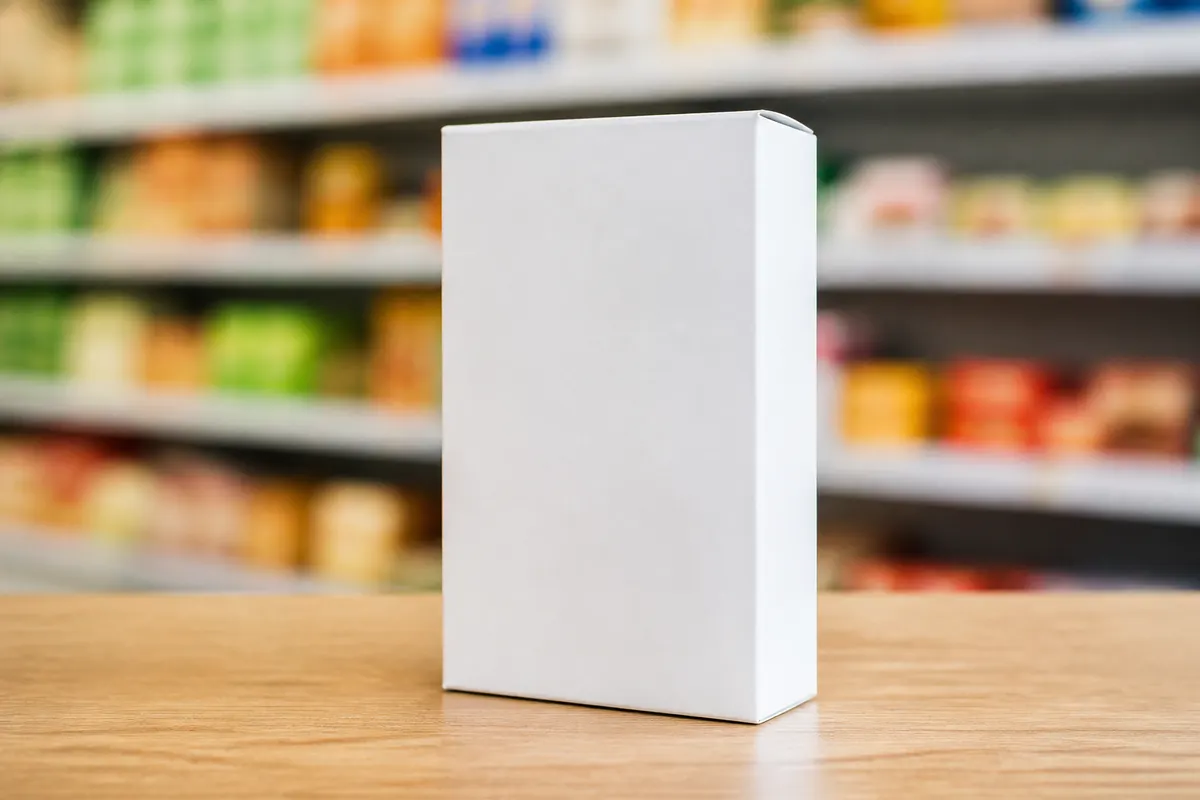
Tuck end cartons and folding boxes dominate retail shelves—from cereal and cosmetics to electronics accessories. These structures fold from a single sheet with tuck flaps top and bottom. A folding carton mockup in 3D shows how your artwork wraps corners and whether the tuck flaps interfere with front-panel branding.
What is a tuck end folding carton?
A tuck end box is a paperboard carton where the top and bottom flaps tuck into the body without glue on the closing panels. Variations include reverse tuck, straight tuck, and auto-bottom styles. For visual preview purposes, the key is proportion and face layout—not engineering every glue tab.
Why retail teams simulate tuck end boxes
- Check barcode and nutrition panel placement at shelf height
- Confirm brand color blocks align across front and side panels
- Compare tall vs. wide carton options for the same volume
- Preview split-top or lid openings for premium retail lines
- Export PNGs for buyer presentations before structural CAD
Folding carton mockup vs. dieline CAD
Structural CAD tools generate knife lines and glue patterns for production. A folding carton mockup tool like 3D Box Studio focuses on visual validation—dimensions, materials, artwork, and openings—so your team approves the look before investing in die tooling.
Preview your tuck end carton
Choose a supported retail carton, enter its dimensions, place artwork on the flat layout, and select White board or Kraft for visual review. Orbit to a shelf-facing angle and share a PNG or interactive preview for your next line review.