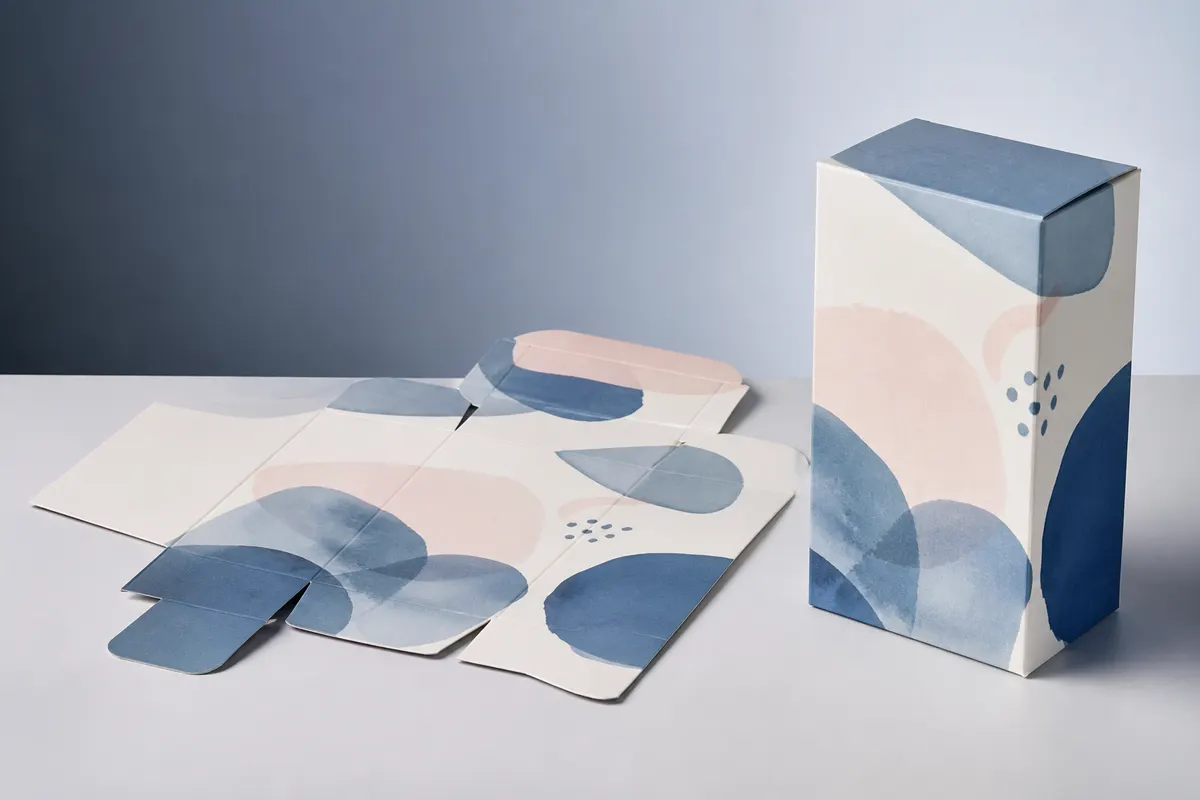
Cutting a printed sheet is never perfectly exact. Bleed and safe zones are the margins that hide that small variation, so backgrounds run to the edge and nothing important gets trimmed or folded.
Trim (cut) line
The trim or cut line is where the die cuts the sheet. On a dieline it is usually a solid line, kept separate from the crease lines where the board folds.
Bleed
Bleed is artwork that extends past the cut line, so that a slightly misaligned cut never shows a white edge. For folding cartons, 3 mm (about 1/8 inch) is the most common request. Extend background colours and images into the bleed; keep text out of it.
Safe zone
The safe zone sits a few millimetres inside every cut and fold line, commonly 3 to 5 mm. Keep text, logos, barcodes and anything that must be read whole inside it. A logo centred on a fold will crack and look misaligned once the box is assembled.
Glue areas and flaps
Glue flaps often need to stay free of ink or varnish so the adhesive bonds, and tuck flaps and dust flaps are usually left plain because they are hidden. Ask your printer which areas they want knocked out.
A quick checklist
- Confirm the bleed and safe zone your printer wants.
- Run background art into the bleed on every outside edge.
- Keep text, logos and barcodes inside the safe zone and off the folds.
- Leave glue areas clear if your printer asks for it.
- Check the artwork folded in 3D before you send the file.
Setting bleed in 3D Box Studio
Place your artwork on the flat layout of a box template, fold it in 3D to check that nothing important sits on a fold, then export the PDF dieline. Bleed is adjustable from 0 to 10 mm (3 mm by default), and cut and crease lines are exported on separate layers for your printer.
How much bleed does packaging need?
3 mm (about 1/8 inch) is the most common request for folding cartons. Some printers ask for more on corrugated board. Your printer's spec sheet always wins.
What is a safe zone?
The area inside each panel, a few millimetres in from cut and fold lines, where text and logos stay clear of trimming tolerance and folds.
Can I set bleed in 3D Box Studio?
Yes. The PDF dieline export has an adjustable bleed from 0 to 10 mm, with 3 mm as the default, and keeps cut and crease lines on separate layers.