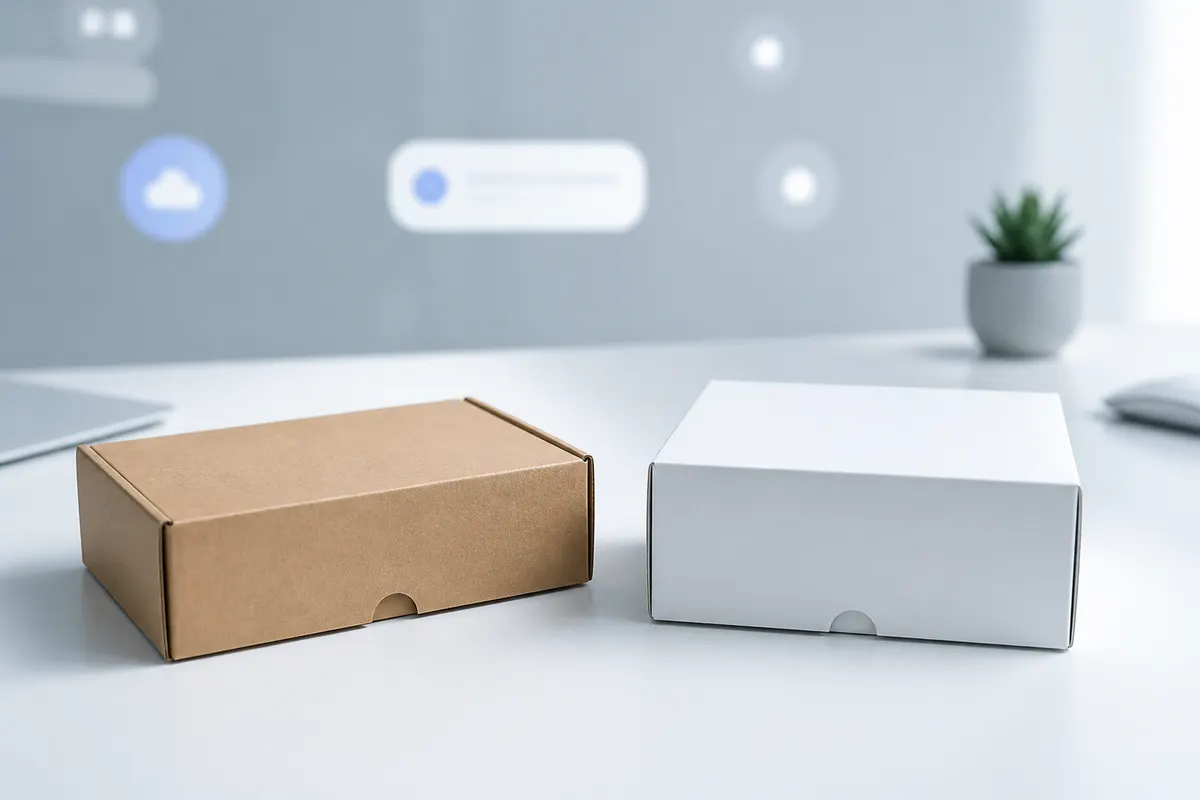
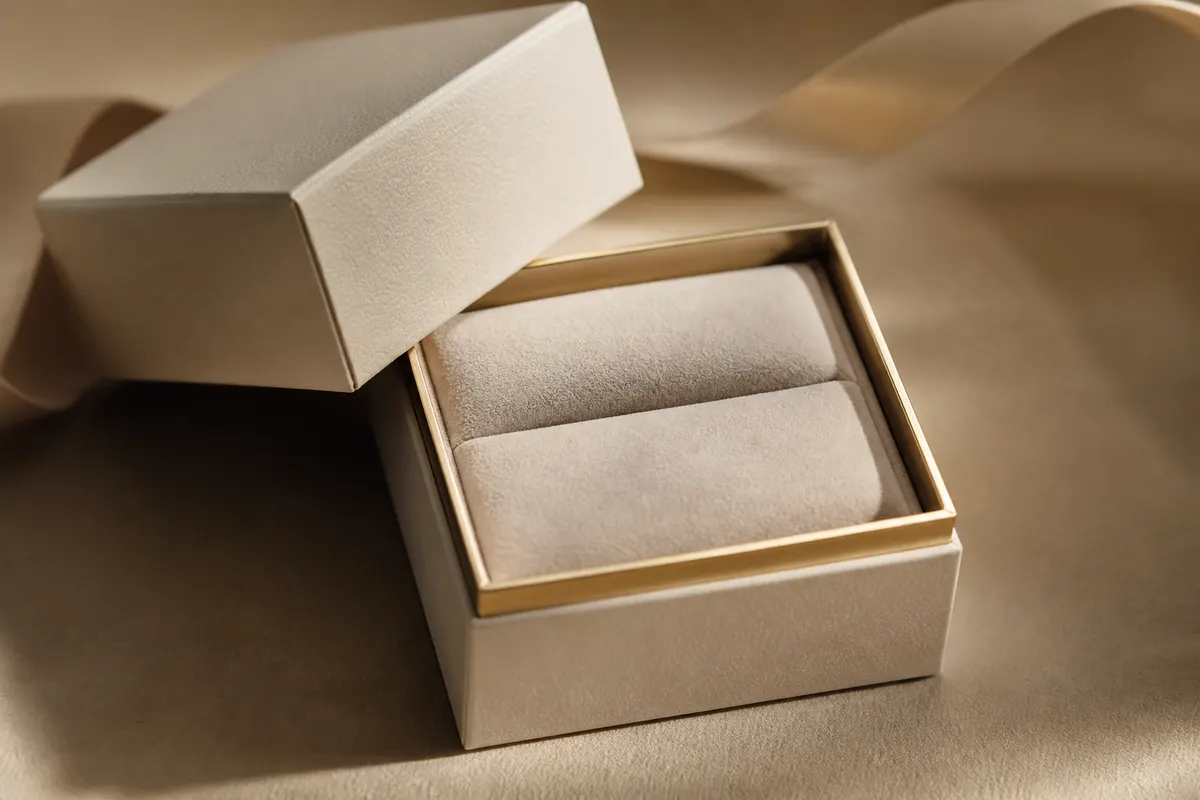
Jewelry packaging is the first tactile impression after purchase—small cartons, foil logos, and lid reveals carry as much brand weight as the piece inside. Physical samples for rigid and folding gift boxes are expensive. A jewelry packaging box mockup in 3D lets creative directors iterate proportions and graphic hierarchy before committing to premium print runs.
Jewelry packaging details to preview
- Logo scale on lid vs. front panel for gift-reveal photography
- Metallic foil material presets against matte or kraft board
- Lid-from-back opening animation for unboxing reels
- Set cartons for necklace-and-earring kits with consistent panel art
- Retail counter presence next to competing gift boxes
Rigid jewelry boxes and folding cartons
Rigid lid and base boxes are the standard for rings, necklaces and watches. Start the rigid box template from its jewellery preset, set a shallow or full-depth lid, and design the lid top and the inside of the base for the reveal. Many DTC jewelry lines also use folding cartons or tuck-style gift boxes for a premium feel at a lower cost; the reverse tuck end box covers those. For bracelets, earrings and gift cards, a pillow box is a light, inexpensive alternative that closes without glue (see how to make a pillow box), and a drawer box gives a sliding reveal (see how to make a drawer box). Ask your box maker to confirm board and wrap allowances before a rigid sample.
Holiday and bridal collections
Swap seasonal artwork on a saved design and export PNGs for lookbooks and wholesale line sheets. Use open and closed views to storyboard the reveal, or share a view-only preview link for interactive feedback.
Start your jewelry carton preview
Set dimensions, apply metallic foil or gloss white, upload brand art, and export shelf-angle PNGs. Free in the browser—save budget for the actual foil stamp die.