If you need a 3D box mockup online—with your own dimensions, artwork, and branding—you can build it in a browser without Photoshop templates or packaging CAD. 3D Box Studio lets you choose a supported structure, set dimensions and material, place artwork on the flat dieline, review the package in 3D, and export a PNG.
This guide walks through a practical packaging mockup workflow: what to prepare, how to customize every side, how open-box previews work, and how a 3D mockup differs from a production dieline. Use it as a tutorial for yourself or as a shareable answer when someone asks how to create a custom box mockup.
What is a 3D packaging mockup?
A 3D packaging mockup is a visual preview of a carton, mailer, or product box as it will look in space—proportions, materials, graphics, and often how a lid or flap opens. Teams use mockups to validate branding, get client approvals, build presentations, produce e-commerce imagery, and explore concepts before committing to print or tooling.
A mockup is not a manufacturing file. It does not define cut paths, glue flaps, bleed, or crush specs. Structural packaging still needs a 2D dieline from your converter or CAD workflow. The mockup answers “does this look right?” so you spend less time fixing artwork after the first physical sample.
What you need before you start
Gather a few basics so the first preview is useful:
- Outer box width, height, and length (depth)—from a product brief, 3PL quote, or converter spec
- Logo and brand colors
- Packaging artwork as PNG, JPG, WebP, or SVG—one full-layout image or separate graphic elements
- Optional: separate graphics for outside and inside artwork
You do not need Photoshop smart objects or an external dieline to start. Create a free account, choose a supported template, and use its generated flat layout to position artwork. Save the design, share a preview, or export a PNG when ready.
Step 1 — Set your box dimensions
In the Studio, choose a supported template and enter Width, Height, and Length (depth). Switch between millimeters and inches while keeping the box proportions consistent.
Example: a compact apparel mailer might be 30 × 8 × 22 cm (width × height × length). A retail tuck carton might be closer to 7 × 20 × 4 cm. Wrong proportions make logos look oversized or panels look empty—even when the artwork itself is fine—so match the outer carton you plan to buy or manufacture.
Start from a ready template in the catalog that matches your packaging structure. Its dimensions, panels, folds, and opening behavior come from that template; changing dimensions updates the generated layout and 3D preview.
Step 2 — Choose your packaging material
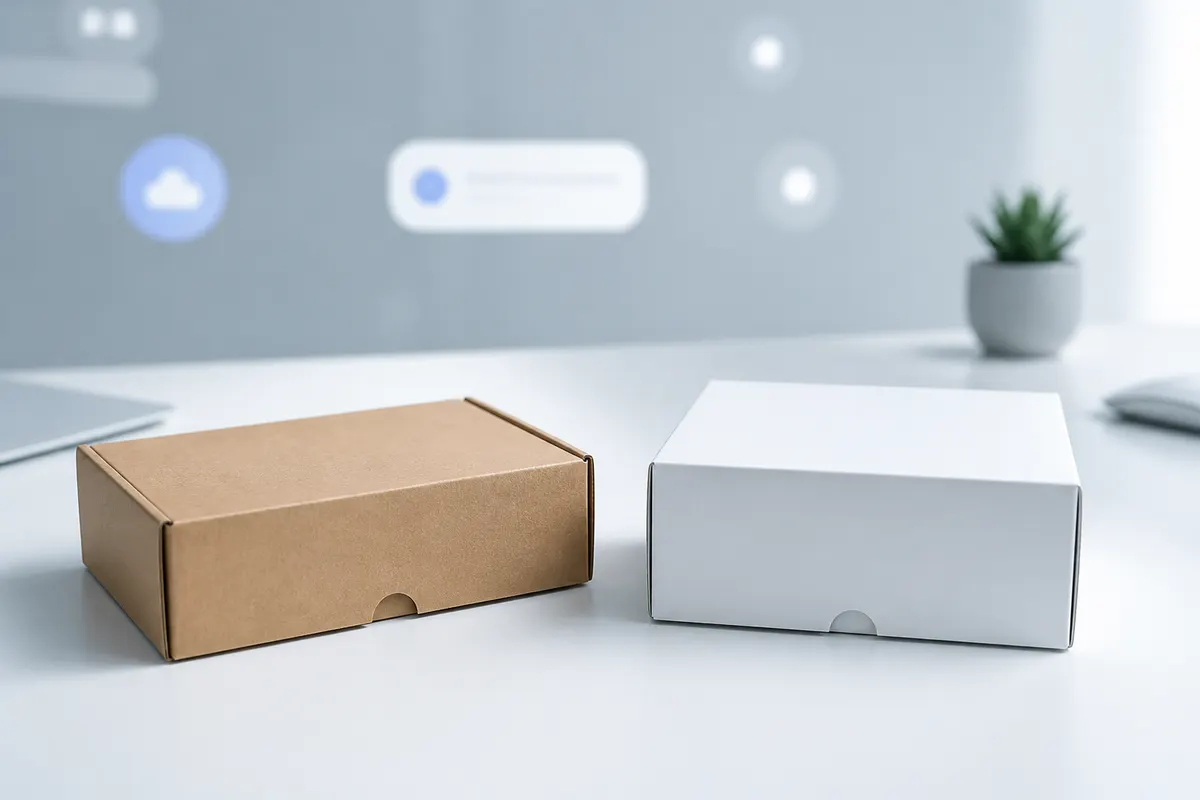
The available material finishes include Kraft, White board, Soft touch, Matte coated, Gloss coated, and Foil. These help you compare visual tone and artwork contrast in the preview; they do not certify a production material or print finish.
Pick a base that matches how the unprinted board should feel (kraft for eco shippers, white carton for retail folding cartons, foil for premium gift packaging). The material choice changes how light catches the surface and how your artwork reads in the 3D preview; uploaded graphics sit on top of that material response.
Step 3 — Add artwork to each side of the box
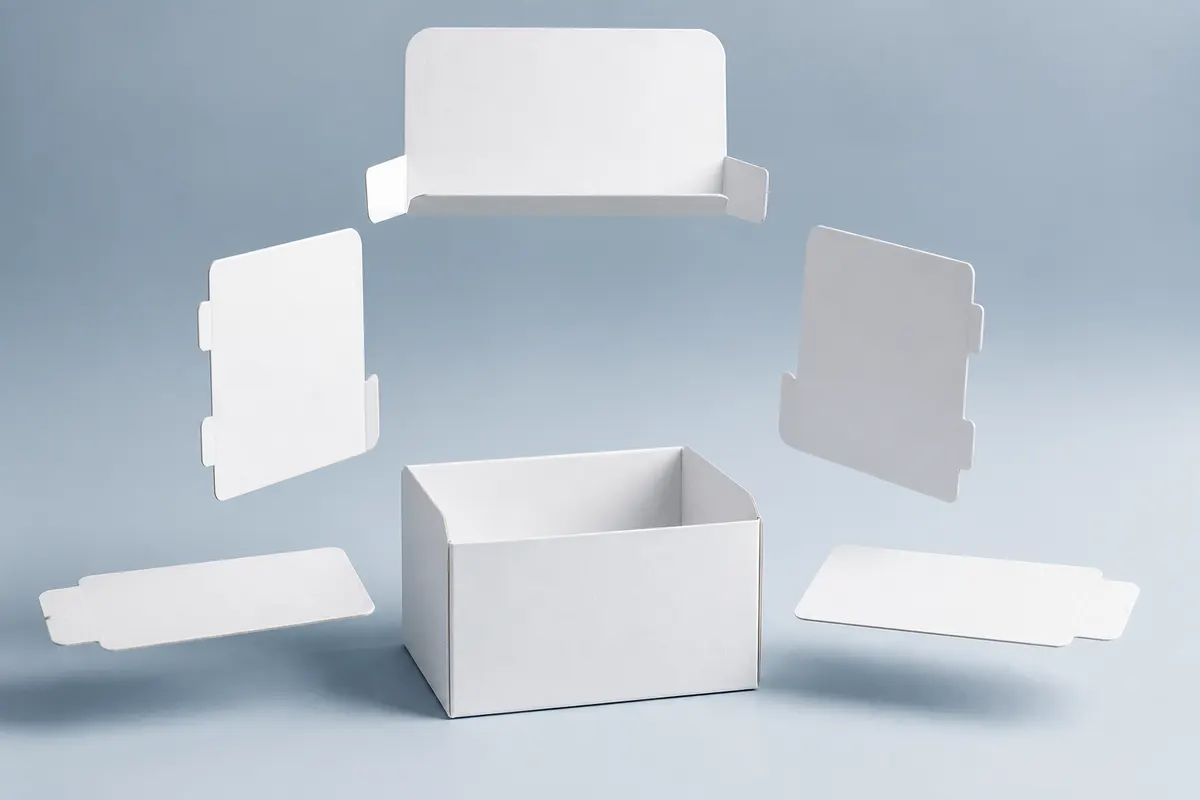
Place your packaging graphics on the generated flat dieline. Panel labels and boundaries help you align branding with the appropriate parts of the box:
- Front
- Back
- Left
- Right
- Top
- Bottom
Panel shapes, fold positions, and available openings depend on the selected template. Check its generated layout before positioning graphics that cross folds or cover multiple panels.
Recommended artwork workflow
- Open 2D Design and choose Outside or Inside artwork.
- Choose an image from My Images or upload PNG, JPG, WebP, or SVG artwork.
- Position, crop, scale, and rotate the artwork layer to align with the relevant panels.
- Add more layers as needed; check edges, folds, and any graphics spanning multiple panels.
- Orbit the model and check logo scale, alignment, and readability from a shelf or product-page angle.
Use a full-layout image or separate artwork elements on the dieline. The layer controls let you adjust placement and crop before reviewing the assembled package in 3D. Keep important copy away from folds and edges, and confirm bleed and manufacturing tolerances with your printer.
Need a Photoshop-free path from flat art to 3D? See how to create a packaging mockup without Photoshop.
Step 4 — Customize the inside of your packaging
For a branded message inside the lid, position the graphic in the Inside artwork layout and inspect the open-box preview. Confirm readability, panel orientation, and what remains visible during the reveal before preparing production files.
Step 5 — Preview your box open and closed
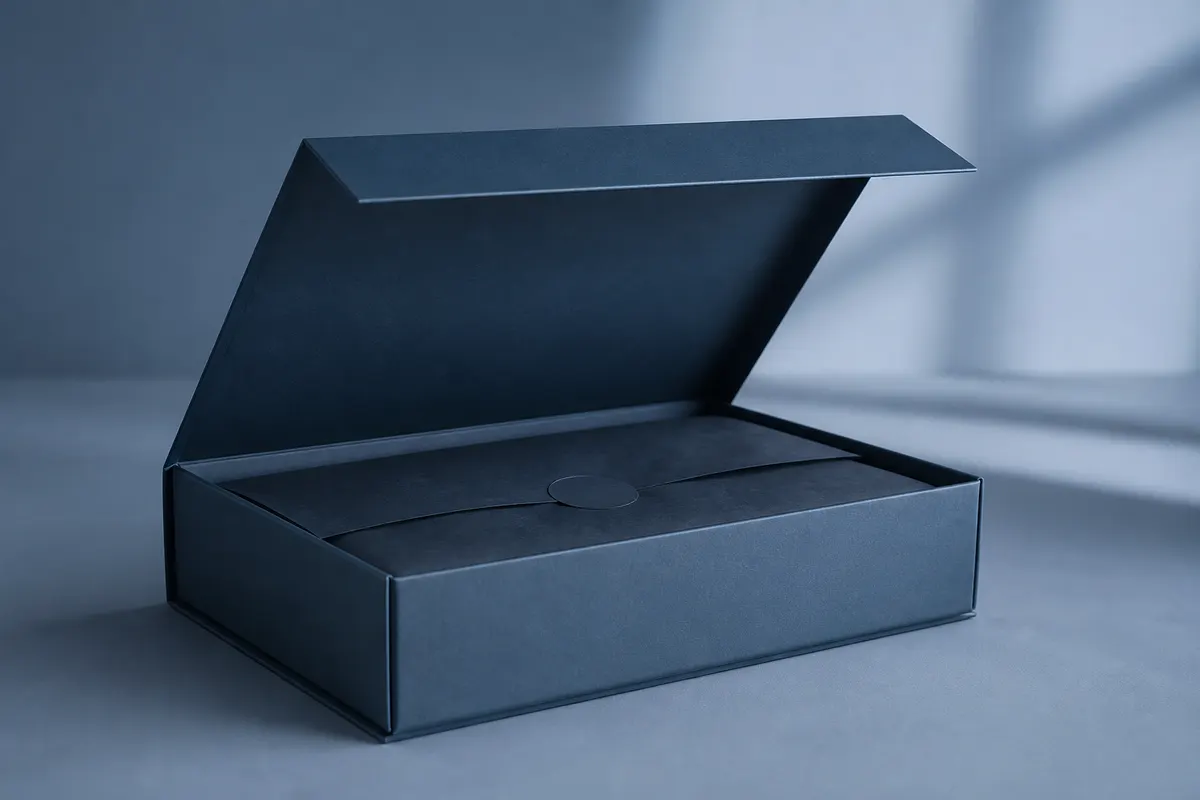
Use the selected template’s assembly and opening controls to inspect the box from its flat layout through assembled, closed, and open states. The available stages and motion follow the supported structure rather than a single generic opening mode.
Choose a ready structure that matches the pack you want to review. A visual simulation helps you discuss proportions and artwork, while the converter remains responsible for production geometry, tolerances, material behavior, and tooling.
Open-box views are especially useful for mailer packaging, clothing brands, subscription boxes, and unboxing presentations—anywhere the reveal matters as much as the closed shelf look. For DTC mailer workflows, also see mailer box mockups online and subscription box unboxing previews.
Step 6 — Frame the 3D preview
Use the viewport controls to inspect the mockup the way a customer or client will:
- Orbit (drag) to rotate around the box
- Scroll or pinch to zoom; use the zoom buttons for precise framing
- Use the pan control or hold Space to reposition the view
- Choose a camera preset for front, back, side, top, or perspective views
- Review outside and inside graphics in open and closed states
- Toggle measurements when checking proportions and scale
For a hero preview, a three-quarter angle usually makes both the front and side artwork clear. Keep framing consistent when comparing designs. Dedicated scene backgrounds and lighting controls are outside the current V2 launch scope.
Step 7 — Export your packaging mockup
When the preview looks right, export a viewport PNG for decks, product-page drafts, social posts, packaging approvals, and pitch materials. Save the project to your account for later revisions and share a view-only link when stakeholders need an interactive review. Print / Save PDF prepares the current flat layout for discussion and separate production validation.
PNG export captures the current viewport (including lighting and framing). There is no separate transparent-background export option. Cloud save and view-only preview links help you share an interactive review instead of emailing static files alone—useful for e-commerce product listing mockups and client rounds.
Example — Creating packaging for a clothing brand
Imagine a premium apparel label launching a seasonal drop. They want a mailer-style clothing packaging mockup: logo on the lid, brand color on the sides, custom outer dimensions from their 3PL, and both open and closed frames for the lookbook.
- Open the Studio and start a new project.
- Start from the Mailer / shipping box template (or enter exact cm sizes from the carton quote).
- Confirm the lid-from-back opening and set open amount to about 35–50% for a mid-open hero shot.
- Choose white folding carton or kraft depending on brand positioning.
- Upload lid (top) artwork with the logo centered; upload side and front panels with brand color fields.
- Orbit to a three-quarter angle and export closed and open PNG previews. Keep camera framing consistent across design revisions.
- Save your project and share a view-only preview link with merchandising for approval.
Interior lid messaging is still prepared outside the Studio for print—there is no editable interior artwork in the 3D tool. The open mailer preview is still useful for judging how much of the cavity appears on camera during early creative buy-in.
Other packaging mockup ideas
The same custom-size workflow applies across categories:
- Cosmetics and beauty cartons—tall tuck-end proportions and foil materials (cosmetics packaging preview)
- Candles and home fragrance—rigid gift proportions and soft-touch or kraft bases
- Electronics and gadgets—corrugated or matte plastic shippers with clear front branding
- Subscription and gift boxes—open-lid storytelling and seasonal face swaps
- Small-business product boxes—quick iterations before a first print run (small business packaging guide)
- Food and beverage cartons—shelf-angle checks for front-panel hierarchy
3D box mockup vs dieline
A 3D packaging mockup visualizes appearance: size, graphics, materials, and how the pack opens in a presentation. A dieline is the 2D production template—cuts, folds, bleed, glue areas, and manufacturing notes your printer or converter needs.
3D Box Studio does not generate production-ready structural dielines. Use it early for look-and-feel and stakeholder alignment; use packaging CAD or your converter’s templates when you are ready to plate. For team workflows around simulation versus CAD, read 3D box simulation for packaging teams. If you are comparing free visual tools to fuller platforms, see our Pacdora alternative overview.
Tips for better packaging mockups
- Use high-resolution PNG or JPG art sized for each panel
- Keep logos and critical copy away from estimated fold and edge zones
- Check every face—including back and bottom—before exporting
- Inspect from multiple camera angles, not only the front
- Enter realistic outer dimensions from a quote or sample
- Preview both open and closed states when the opening matters
- Confirm text stays legible at the final PNG framing
- Keep brand proportions consistent across faces after UV stretch
FAQ
Can I create a 3D box mockup for free?
Yes. 3D Box Studio offers a free way to create 3D packaging mockups in your browser. Open the Studio to see the current save, sharing and export options.
Can I make a packaging mockup without Photoshop?
Yes. The studio runs in your browser. Upload PNG, JPG, WebP, or SVG artwork to My Images and position it on the generated flat layout—you do not need Photoshop smart objects. See also packaging mockups without Photoshop.
Can I use custom box dimensions?
Yes. Enter width, height, and length (depth) in millimeters or inches. You can start from a ready-made template (such as mailer or tuck-end) and override the sizes at any time.
Can I add different artwork to every side?
Yes. Place separate graphics or a full-layout image on the generated dieline, then use layers, cropping, positioning, scale, and rotation to align artwork with the panels. Review the assembled result in 3D, including outside and inside artwork on supported templates.
Can I design the inside of a box?
Not yet as editable interior artwork. When you open a lid or flaps, you can inspect the cavity, but the inside liner is a fixed unprinted surface. Use the studio to validate exterior branding and opening behavior; prepare interior print separately with your converter or printer.
Can I preview the box open?
Yes, for supported opening styles. Choose a lid, door, or split-top opening, then use the open-amount control to preview closed through fully open. Closed mode keeps the box sealed with no motion.
Can I create a clothing packaging mockup?
Yes. Start from the mailer template or enter custom apparel-box dimensions, upload lid and side branding, set a lid opening, and export open and closed PNG frames for e-commerce or unboxing decks.
Can I export the mockup as PNG?
Yes. Export a viewport PNG for presentations, product pages, and client review. Save designs to your account for later revisions and share a view-only interactive preview. Use Print / Save PDF to prepare the current flat layout; validate production output with your printer.
Do I need a packaging dieline?
For manufacturing and print production, yes—you still need a structural dieline from your converter or packaging CAD tool. A 3D box mockup is for visual validation and presentation. Use both: mockup early for look and feel, dieline later for cuts, folds, and bleed.
Is 3D Box Studio a packaging CAD tool?
No. It is a browser-based 3D packaging simulator and mockup generator. It complements structural packaging CAD and dieline workflows rather than replacing them. New to the category? Start with what a 3D box designer is or the free 3D box maker overview.
Create your custom 3D box mockup next
You now have a path from a supported template and dimensions to flat-layout artwork, interactive 3D review, and PNG export. Save the design to your account and share a view-only link with your team. Confirm final production files with your printer or converter.